1
S400.book Page 62 Wednesday, August 16, 2000 12:02 AM
Printing on Special Media Types
3
Windows
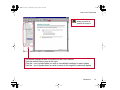
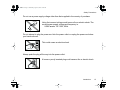
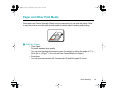
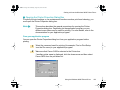
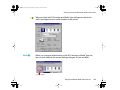
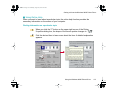
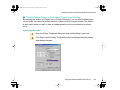
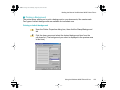
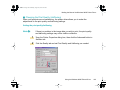
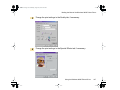
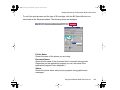
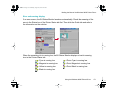
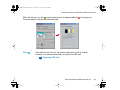
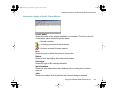
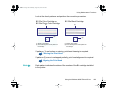
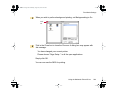
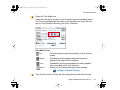
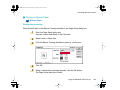
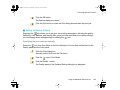
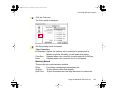
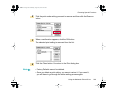
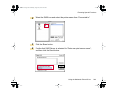
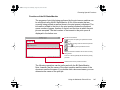
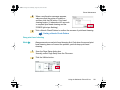
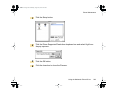
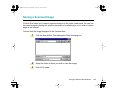
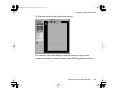
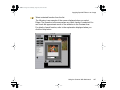
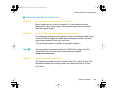
Open the Printer Properties dialog box, then select the most appropriate
icon in the Choose Print Mode box under the Main tab. Select Glossy Photo
Cards in the Media Type box. Also make sure that the BJ Cartridge setting
matches the BJ cartridge installed in the printer.
Change the settings if necessary.
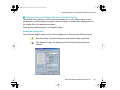
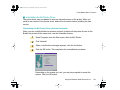
Using the Windows 98/95 Printer Driver
Macintosh
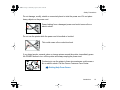
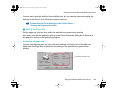
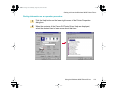
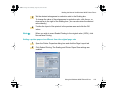
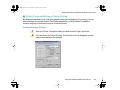
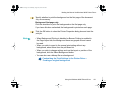
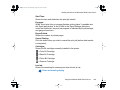
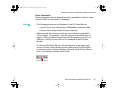
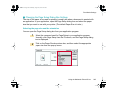
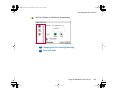
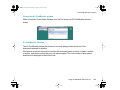
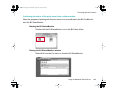
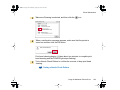
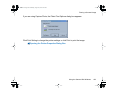
Select the most appropriate icon that indicates the print mode in the Printer
Properties dialog box. Specify the media type (Glossy Photo Cards), and
the BJ cartridge installed in the printer.
Using the Macintosh Printer Driver
4
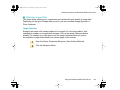
Windows
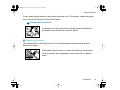
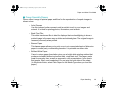
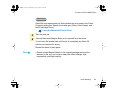
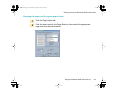
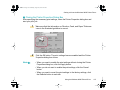
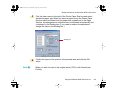
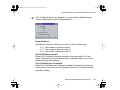
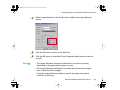
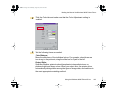
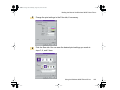
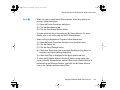
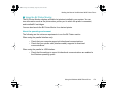
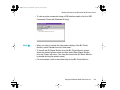
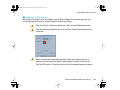
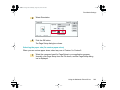
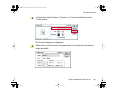
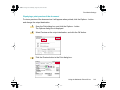
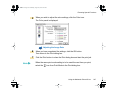
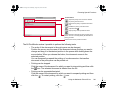
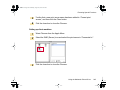
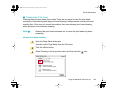
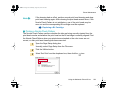
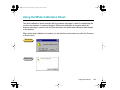
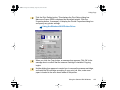
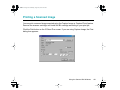
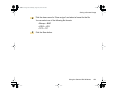
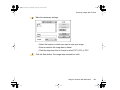
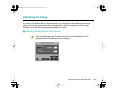
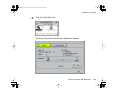
Click the Page Layout tab and make sure that the Page Size setting is
Canon 4" × 6".
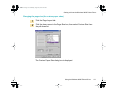
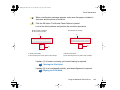
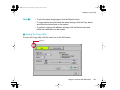
Normally you can set the paper size with the application program. However,
if the setting on the Page Layout tab does not match the setting in the
application program, or if your application program does not provide a size
selection for Glossy Photo Cards, specify the setting here.
Using the Windows 98/95 Printer Driver
Paper Handling
62