1
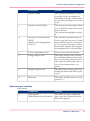
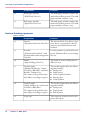
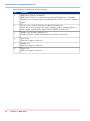
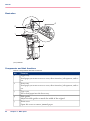
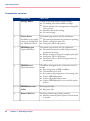
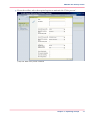
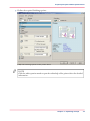
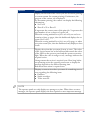
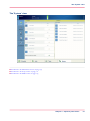
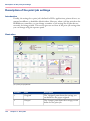
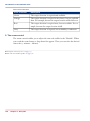
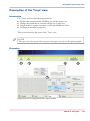
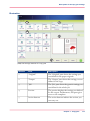
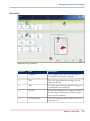
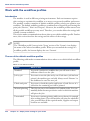
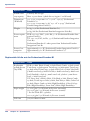
Description of the print job settings
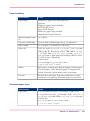
Number
Pane
Description
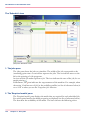
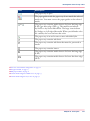
3
'Job'
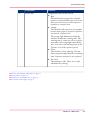
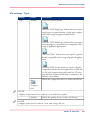
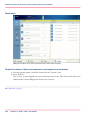
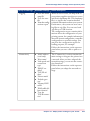
The 'Job' pane shows the generic settings you
can define for the whole job
4
Preview
The preview displays the settings you defined
for the output. Furthermore, this pane gives
access to the templates
5
Action buttons
The action buttons indicate the actions you
can carry out.
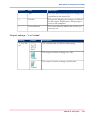
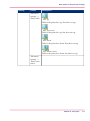
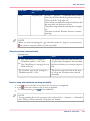
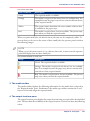
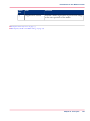
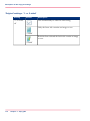
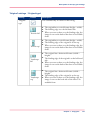
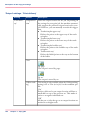
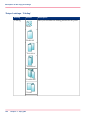
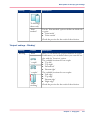
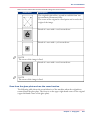
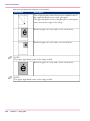
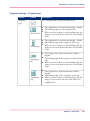
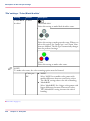
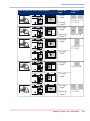
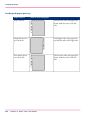
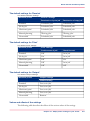
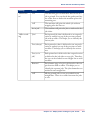
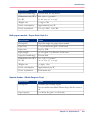
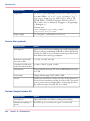
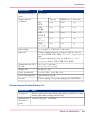
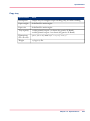
'Output' settings - '1- or 2-sided'
#
Setting
Values
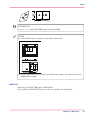
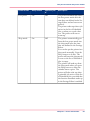
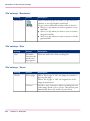
'1- or 2-sided'
Description
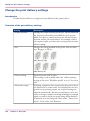
The automatically set value for this setting.
'Auto'
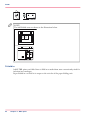
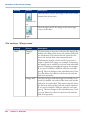
The output contains an image on 1 side.
'1-sided'
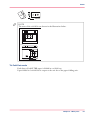
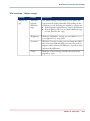
The output contains an image on both sides.
'2-sided'
Chapter 6 - Print jobs
105