1
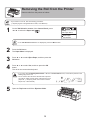
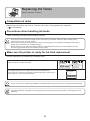
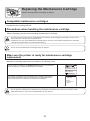
Replacing the Maintenance Cartridge
Replace the maintenance cartridge
1
2
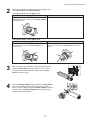
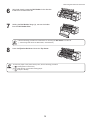
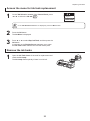
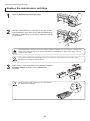
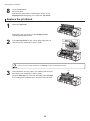
Open the Maintenance Cartridge Cover.
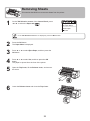
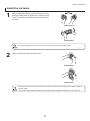
Hold the used Maintenance Cartridge by the grip (a) with
one hand and put your other hand under the Maintenance
Cartridge to hold it firmly on the bottom, keeping it level as
you pull it out.
a
• Used maintenance cartridges are heavy. Always grasp the cartridge firmly and keep the cartridge level
during removal and storage. If you drop a used Maintenance Cartridge or store it at an angle, ink may
leak and cause stains.
• The remaining Maintenance Cartridge capacity is recorded on each printer. Do not install a used
Maintenance Cartridge in another printer.
3
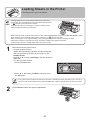
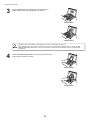
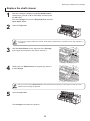
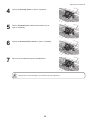
Open the box, remove the plastic bag, packaging material,
and Shaft Cleaner, and take out the Maintenance
Cartridge.
• Never touch the metal contacts (a). This may damage
the Maintenance Cartridge.
a
32