1
Error location labels
Error location labels
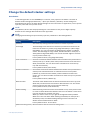
Introduction
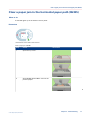
The stacker has various labels inside that indicate error locations. You can access these locations
to remove error sheets or jammed paper.
Illustration
A2
9AA6
A3
A7
A4
A1
A5
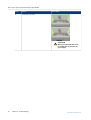
[5] Example of a label inside the stacker
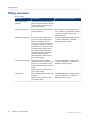
Error codes and locations
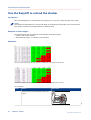
Overview of error codes and locations
28
Error codes
Error locations
How to access the error locations
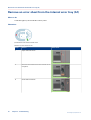
A1-A7
Paper path
Open the front door.
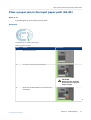
B1-B5
Paper path
Open the top cover.
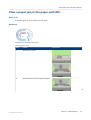
C1
Flip wheel
Open the front cover.
No label, only indicated on the
stacker control
panel
Stack area
Press the eject button.
Chapter 5 - Troubleshooting
Canon High Capacity Stacker-G1