1
D9412G/D7412G | Program Entry Guide | 5.0 RADXSKED
9
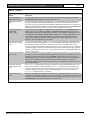
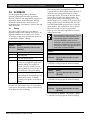
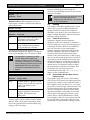
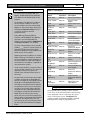
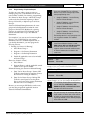
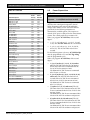
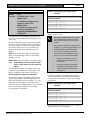
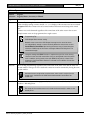
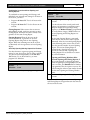
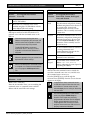
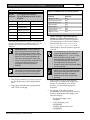
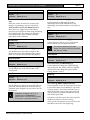
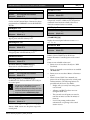
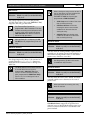
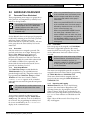
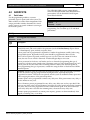
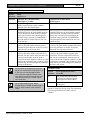
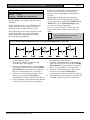
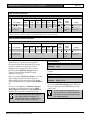
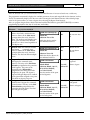
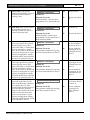
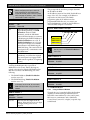
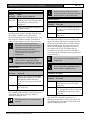
Test Report: This function emulates
the Send Report? command center
function. This function generates a Test
Report ONLY from Area 1 but contains
panel-wide status information. The
report is sent to the phone(s)
programmed for Test and Status
Reports in Section 2.3.8 Dialing Attempts.
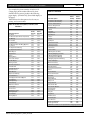
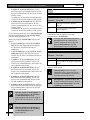
If Expand Test Prt in Phone is
programmed Yes, the Test Report also
includes all off-normal states for events
listed in Diagnostic Reports and Test
Reports (see Section 2.3.8 Dialing
Attempts).
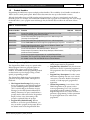
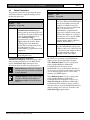
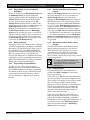
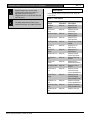
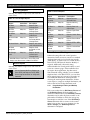
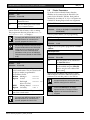
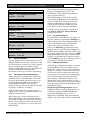
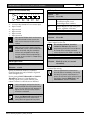
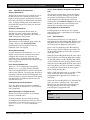
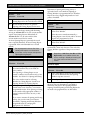
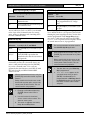
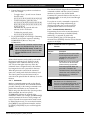
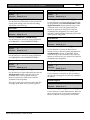
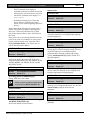
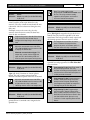
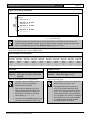
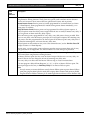
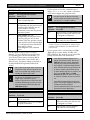
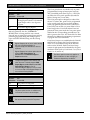
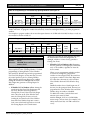
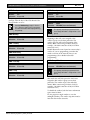
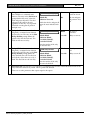
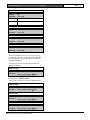
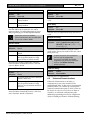
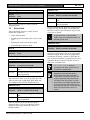
S## Defer Test
Default: No
EN | 107
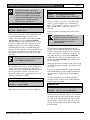
Yes
Defer the Test
Report.
No
Send the Test
Report on
schedule.
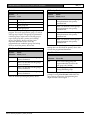
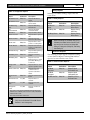
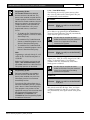
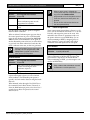
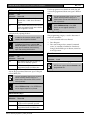
Yes
Send the Test
Report every hour.
No
Send the Test
Report only as
scheduled.
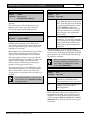
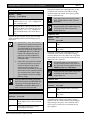
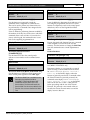
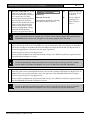
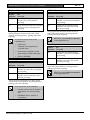
Yes
Defer the Status
Report.
No
Send the Status
Report on
schedule.
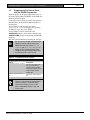
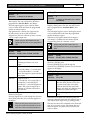
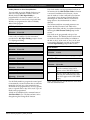
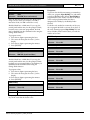
Selection: Yes or No
Enable sked to defer the Test
Report
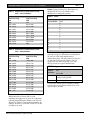
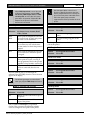
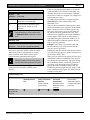
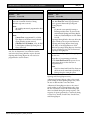
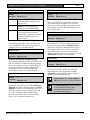
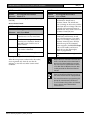
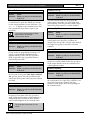
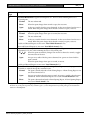
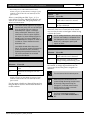
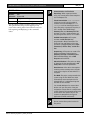
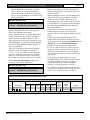
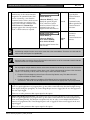
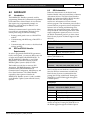
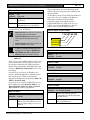
S## Hourly Report
Default: No
Selection: Yes or No
Enable sked to send the Test
Report every hour.
The Test Report can be deferred if any
other report was sent since the last Test
Report. To defer the Test Report,
program S## Defer Test.
The Test Report can be sent every hour
beginning at the time scheduled in S##
Time. To send a Test Report every
hour, program S## Hourly Rpt.
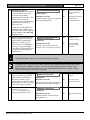
10
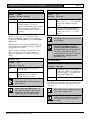
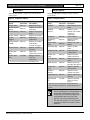
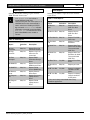
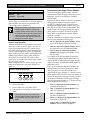
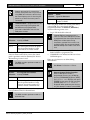
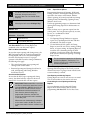
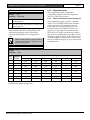
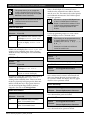
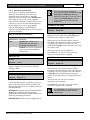
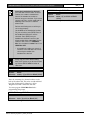
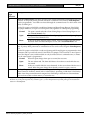
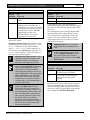
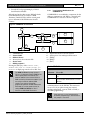
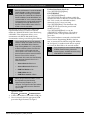
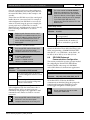
Status Report: This function generates
a Status Report for each area that is
enabled. The report is sent to the
phone(s) programmed for Test and
Status Reports in Routing.
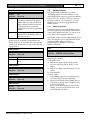
The Status Report can be deferred if
any other report was sent since the last
Status Report. To defer the Status
Report, program S## Defer Status.
Bosch Security Systems | 1/04 | 47775E
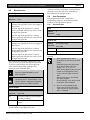
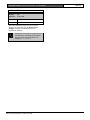
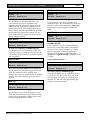
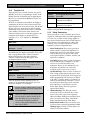
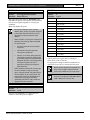
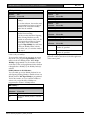
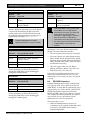
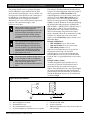
S## Defer Status
Default: No
Selection: Yes or No
Enable sked to defer the Status
Report.