1
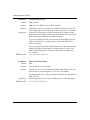
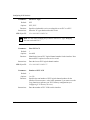
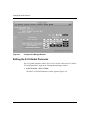
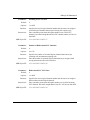
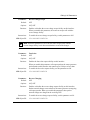
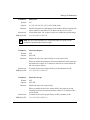
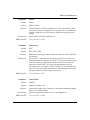
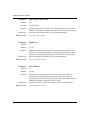
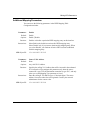
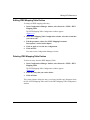
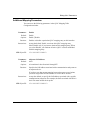
Editing X.25 Parameters
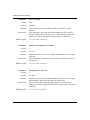
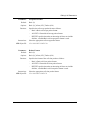
Parameter:
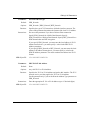
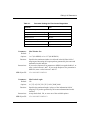
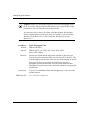
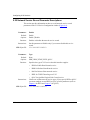
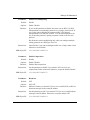
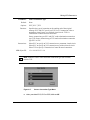
Enable 1356 Multiplexing
Default:
Disable
Options:
Enable | Disable
Function:
If you set this parameter to Enable, the router can use RFC 1356 Null
Encapsulation to send multiple protocols over a single virtual circuit. If
you set the value to Disable, the router uses RFC 1356 Normal
Encapsulation for IP and OSI, and RFC 1356 SNAP Encapsulation for
any of the other protocols, opening a separate virtual circuit for each
protocol.
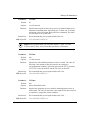
Bay Networks advises multiplexing only when you configure multiple
routing protocols on a PDN type of service.
Instructions:
MIB Object ID:
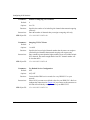
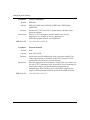
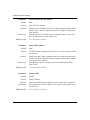
Parameter:
Select Enable if you want to multiplex traffic over a single virtual circuit.
Otherwise, select Disable.
1.3.6.1.4.1.18.3.5.9.4.2.1.34
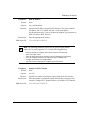
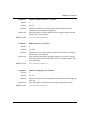
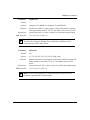
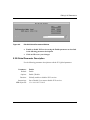
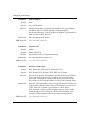
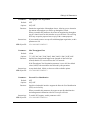
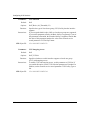
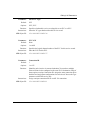
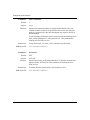
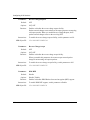
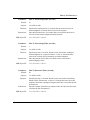
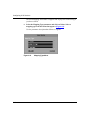
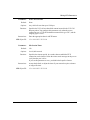
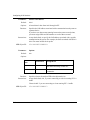
Enable Compression
Default:
Disable
Options:
Enable | Disable
Function:
Instructions:
MIB Object ID:
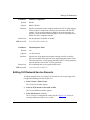
Parameter:
Enables data compression.
Set this parameter to Enable if you want the X.25 service to use
compression for this connection. Otherwise, accept the default, Disable.
1.3.6.1.4.1.18.3.5.9.4.2.1.33
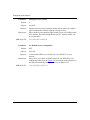
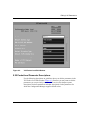
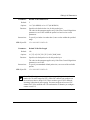
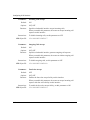
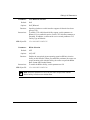
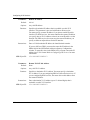
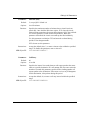
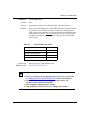
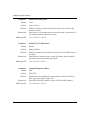
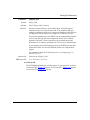
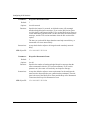
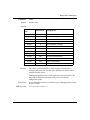
Broadcast
Default:
OFF
Options:
ON | OFF
Function:
Indicates whether you want the X.25 service to send IP, IPX, or DECnet
broadcast messages to the remote IP address.
Instructions:
Set this parameter to ON if you want the X.25 service to send broadcast
messages to the IP address. Otherwise, accept the default, OFF.
MIB Object ID:
117377-A Rev. A
1.3.6.1.4.1.18.3.5.9.4.2.1.14
4-31