1
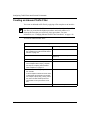
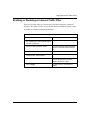
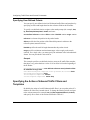
Applying Outbound Traffic Filters
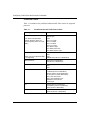
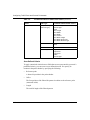
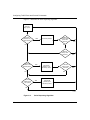
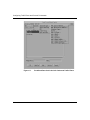
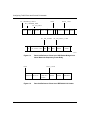
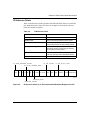
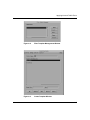
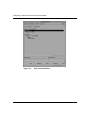
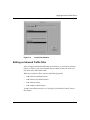
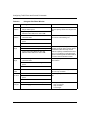
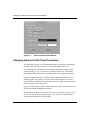
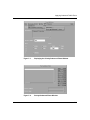
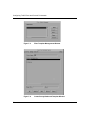
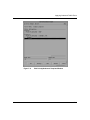
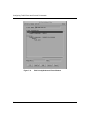
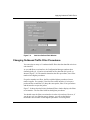
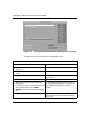
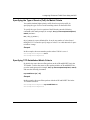
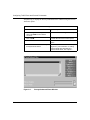
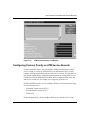
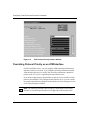
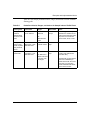
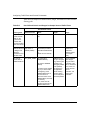
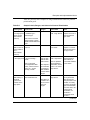
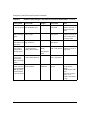
Figure 7-9.
Add User-Defined Field Window
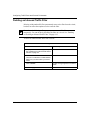
Changing Outbound Traffic Filter Precedence
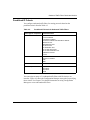
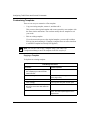
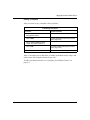
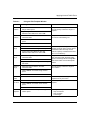
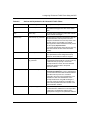
You can assign as many as 31 outbound traffic filters based on data link criteria to
each interface.
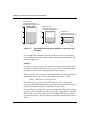
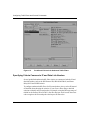
As you add filters to an interface, the Configuration Manager numbers them
chronologically (#1, #2 and so on) and adds an IP or data link (DL) prefix, as
shown in Figure 7-10. The number determines the filter precedence; lower filter
numbers have higher precedence.
If a packet matches two filters, the filter with the highest precedence (lowest
number) applies. For example, if the first filter on the interface (#1) accepts a
packet and the second filter (#2) drops the same packet, filter #1 has precedence
and the interface accepts the packet.
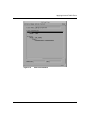
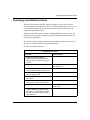
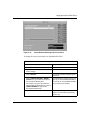
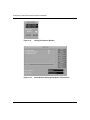
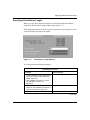
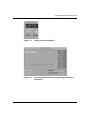
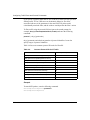
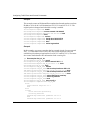
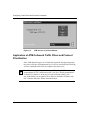
Figure 7-10 shows how the Priority/Outbound Filters window displays the filters
on an interface. The first filter listed has the highest precedence.
You should create the filters on an interface in order of precedence. However, if
you do not, or if your filtering strategy changes, you can use the Priority/
Outbound Filters window to rearrange the precedence of existing filters.
308645-15.0 Rev 00
7-21