1
Configuring IP Services
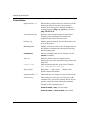
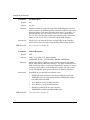
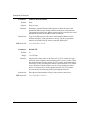
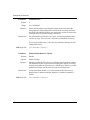
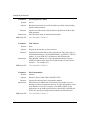
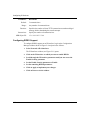
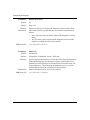
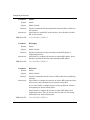
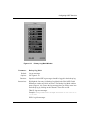
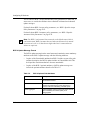
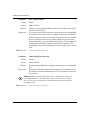
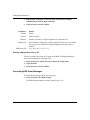
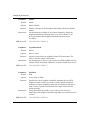
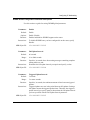
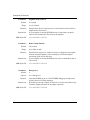
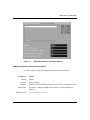
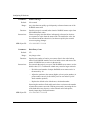
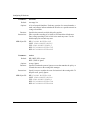
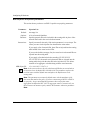
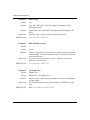
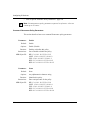
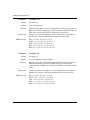
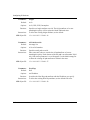
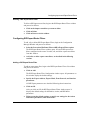
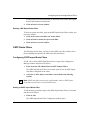
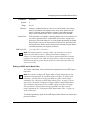
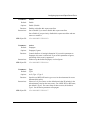
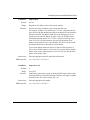
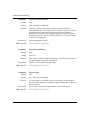
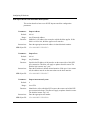
If you set the Export Address field to 0.0.0.0 and set this parameter to
0.0.0.0, then the filter applies to all routes. If you set the Export Address
field to 0.0.0.0 and set this parameter to 255.255.255.255, then the filter
applies to the default route.
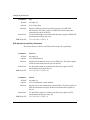
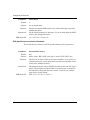
Instructions:
MIB Object ID:
Parameter:
Enter the appropriate mask in dotted decimal notation.
1.3.6.1.4.1.18.3.5.3.2.1.15.1.4
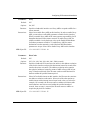
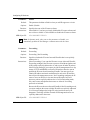
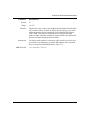
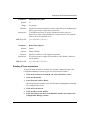
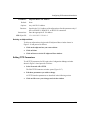
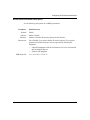
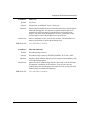
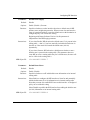
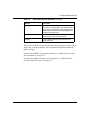
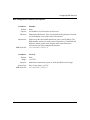
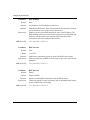
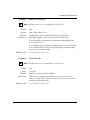
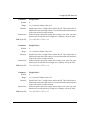
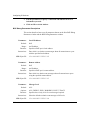
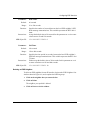
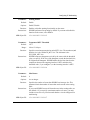
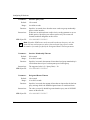
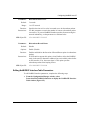
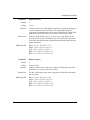
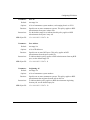
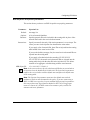
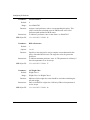
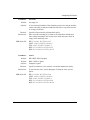
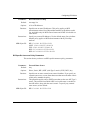
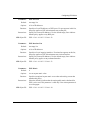
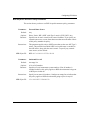
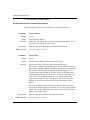
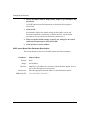
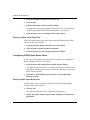
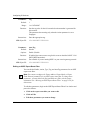
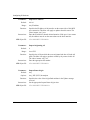
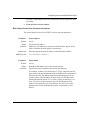
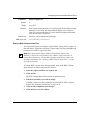
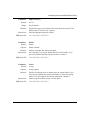
Export from Protocol
Default:
Any
Options:
Any | RIP | EGP | OSPF | Direct | Static | BGP-3
Function:
Identifies the source of the routing information: direct connection, static
route, or a RIP-, EGP-, OSPF-, or BGP-3 derived route.
Instructions:
Select the appropriate option.
MIB Object ID:
1.3.6.1.4.1.18.3.5.3.2.1.15.1.5
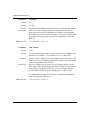
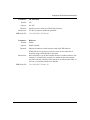
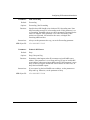
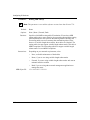
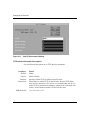
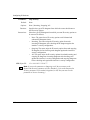
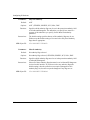
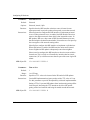
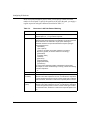
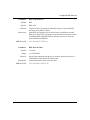
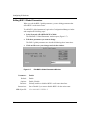
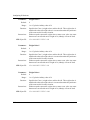
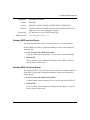
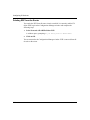
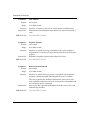
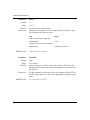
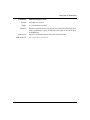
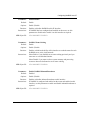
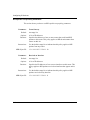
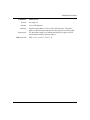
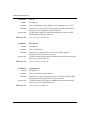
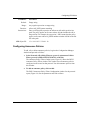
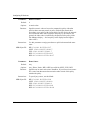
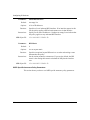
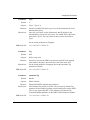
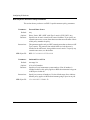
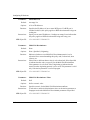
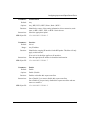
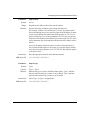
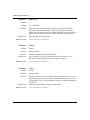
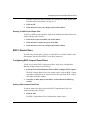
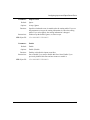
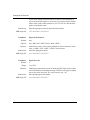
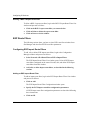
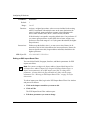
Parameter:
Default:
Range:
Function:
Instructions:
MIB Object ID:
10-30
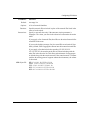
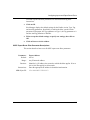
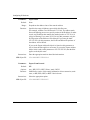
Export Peer AS
0
1 to 65535
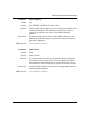
Identifies the autonomous system to which the BGP router at the remote
end of this BGP peer connection belongs. This filter will apply to updates
sent to any router in this AS. The value 0 means “any” AS.
Enter the appropriate AS number.
1.3.6.1.4.1.18.3.5.3.2.1.15.1.7