1
330 Chapter 18 Remote management screens
1
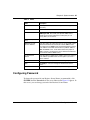
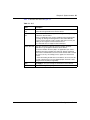
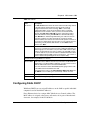
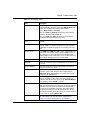
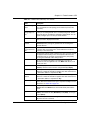
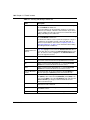
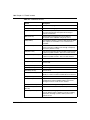
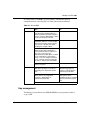
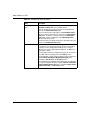
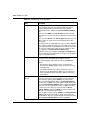
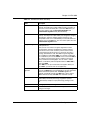
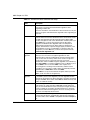
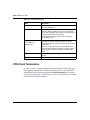
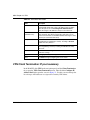
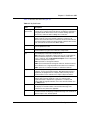
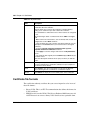
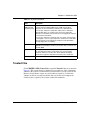
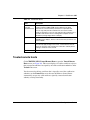
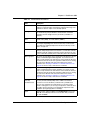
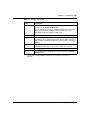
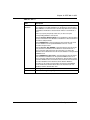
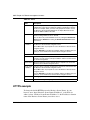
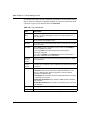
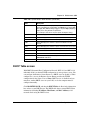
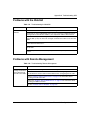
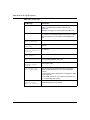
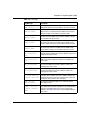
A filter in SMT menu 3.1 (LAN) or in menu 11.1.4 (WAN) is applied to block
a Telnet, FTP, or Web service.
2
A service is disabled in one of the remote management screens.
3
The IP address in the Secured Client IP field does not match the client IP
address. If it does not match, the Business Secure Router disconnects the
session immediately.
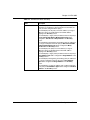
4
An SMT console session is running.
5
Another remote management session of the same type (web, FTP or Telnet) is
running. You can only have one remote management session of the same type
running at one time.
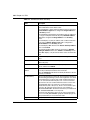
6
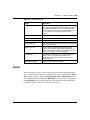
A web remote management session is running with a Telnet session. A web
session is disconnected if you begin a Telnet session; nor does it begin if a
Telnet session is already running.
7
A firewall rule blocks access to device.
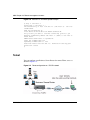
Remote management and NAT
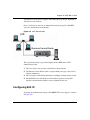
When NAT is enabled:
•
•
Use the Business Secure Router WAN IP address when configuring from the
WAN.
Use the Business Secure Router LAN IP address when configuring from the
LAN.
System timeout
There is a system timeout of 5 minutes (300 seconds) for either the console port or
Telnet, web, or FTP connections. Your Business Secure Router automatically logs
you off if you do nothing in this timeout period, except when it is continuously
updating the status in menu 24.1 or when sys stdio was changed on the
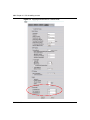
command line. Use the System screen to change the timeout period in the
Administrator Inactivity Timer field.
NN47923-500