1
302 Chapter 15 Bandwidth management
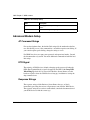
Configuring summary
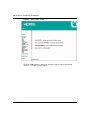
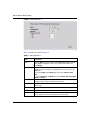
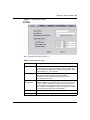
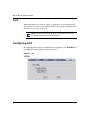
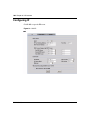
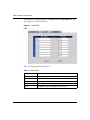
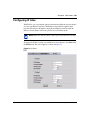
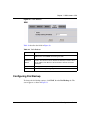
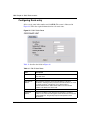
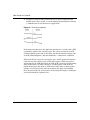
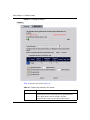
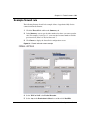
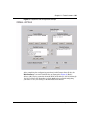
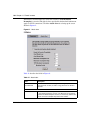
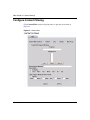
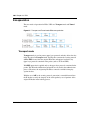
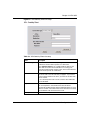
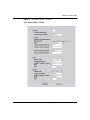
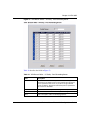
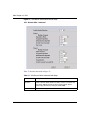
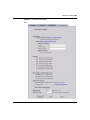
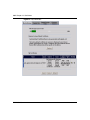
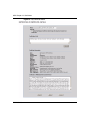
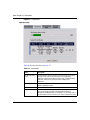
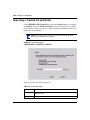
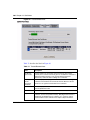
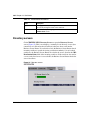
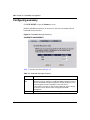
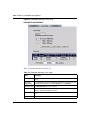
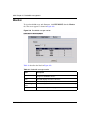
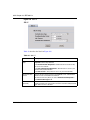
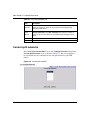
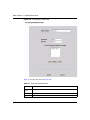
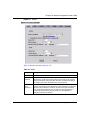
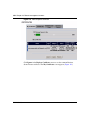
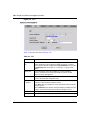
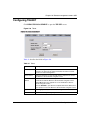
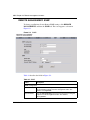
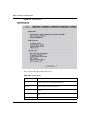
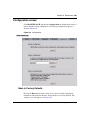
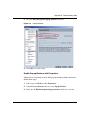
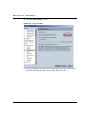
Click BW MGMT to open the Summary screen.
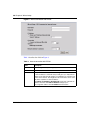
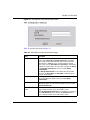
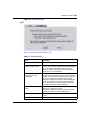
Enable bandwidth management on an interface and set the maximum allowed
bandwidth for that interface.
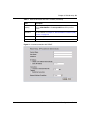
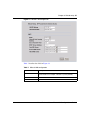
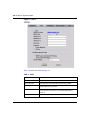
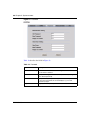
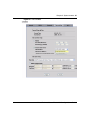
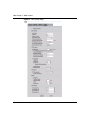
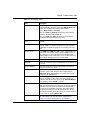
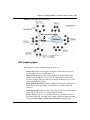
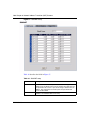
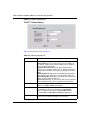
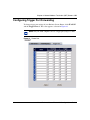
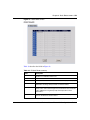
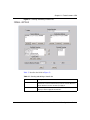
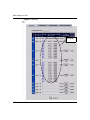
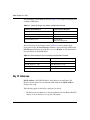
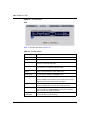
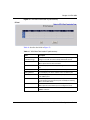
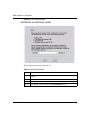
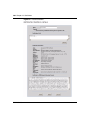
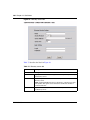
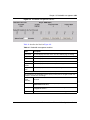
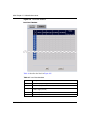
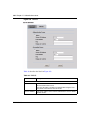
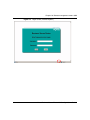
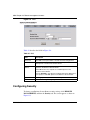
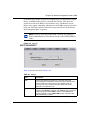
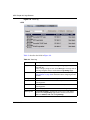
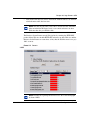
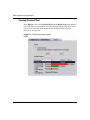
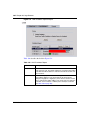
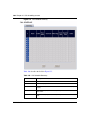
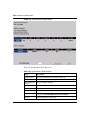
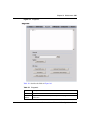
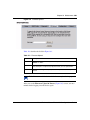
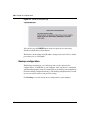
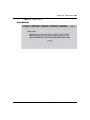
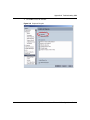
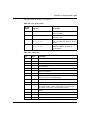
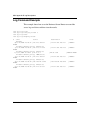
Figure 98 Bandwidth Manager: Summary
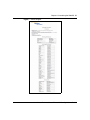
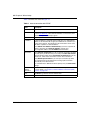
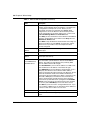
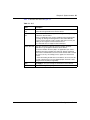
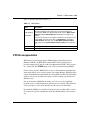
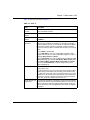
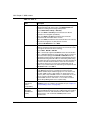
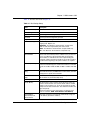
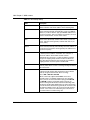
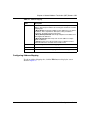
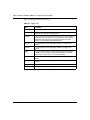
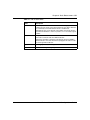
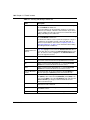
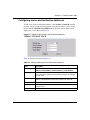
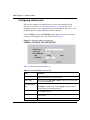
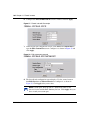
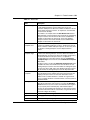
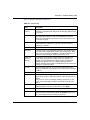
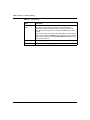
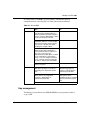
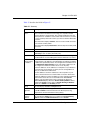
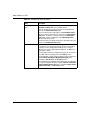
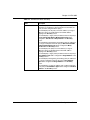
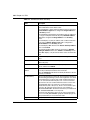
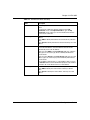
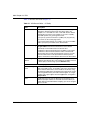
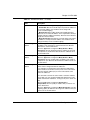
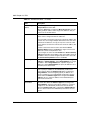
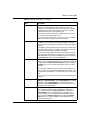
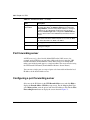
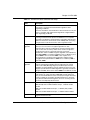
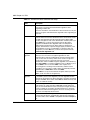
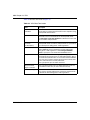
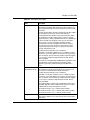
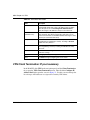
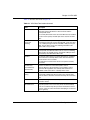
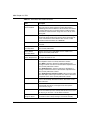
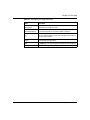
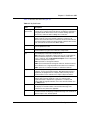
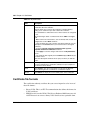
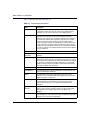
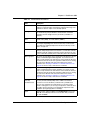
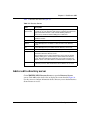
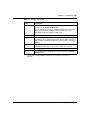
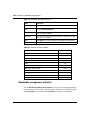
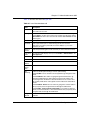
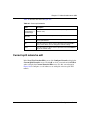
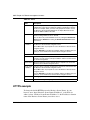
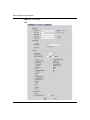
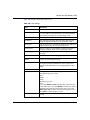
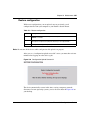
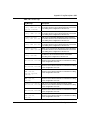
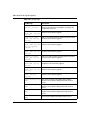
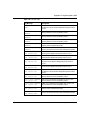
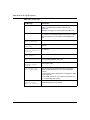
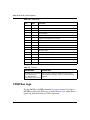
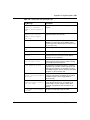
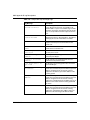
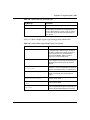
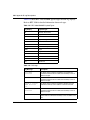
Table 77 describes the labels in Figure 98.
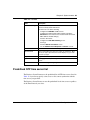
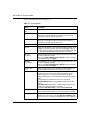
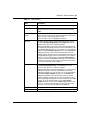
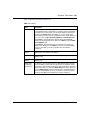
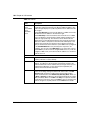
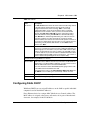
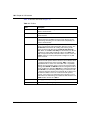
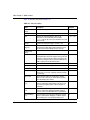
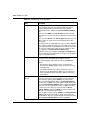
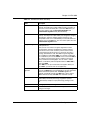
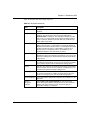
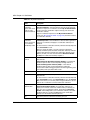
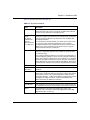
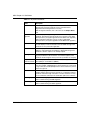
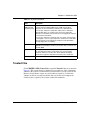
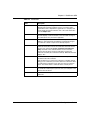
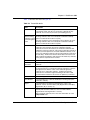
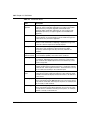
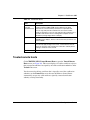
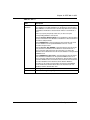
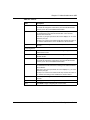
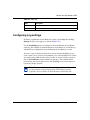
Table 77 Bandwidth Manager: Summary
NN47923-500
Label
Description
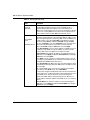
WAN
LAN
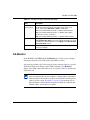
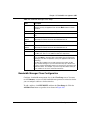
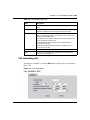
These read-only labels represent the physical interfaces. Select the
check box next to an interface to enable bandwidth management on that
interface. Bandwidth management applies to all traffic flowing out of the
router through the interface, regardless of the traffic source.
Traffic redirect or IP alias can cause LAN-to-LAN traffic to pass through
the Business Secure Router and be managed by bandwidth
management.
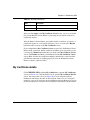
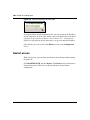
Active
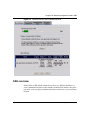
Select a check box to enable bandwidth management on that interface.