1
24
Chapter 3 Setting up your mailbox
Opening your mailbox
After you initialize your mailbox you can open it from:
•
•
•
your own extension
another CallPilot extension
an outside tone dial phone
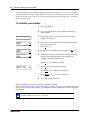
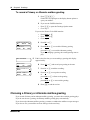
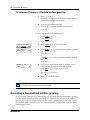
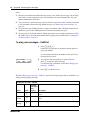
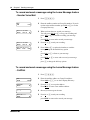
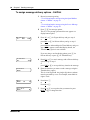
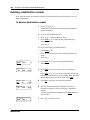
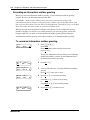
To open an initialized mailbox - Norstar Voice Mail
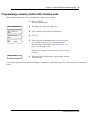
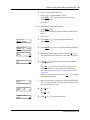
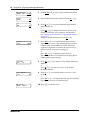
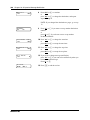
Pswd:
OTHR
RETRY
OK
1
Press ≤·°⁄.
2
Enter your mailbox password and press OK or £
or
if you are at another extension, or if you are using a Guest
mailbox, press OTHR or • to display the Log: prompt.
When this prompt appears, enter your mailbox number
and password. Your mailbox number is usually the same
as your extension.
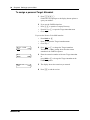
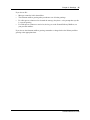
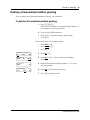
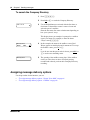
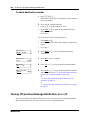
To open an initialized mailbox - CallPilot
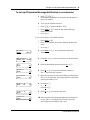
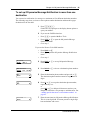
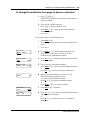
Mbox:
RETRY
OK
1
Press ≤·°⁄.
2
Press £
or
if you are at another extension, enter your mailbox number
and then press OK or £.
Your mailbox number is normally the same as your
extension.
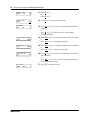
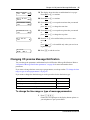
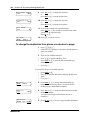
Pswd:
RETRY
OK
3
Enter your mailbox password and press OK or £.
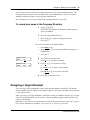
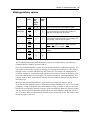
To open your mailbox using Auto-Login
If your System Administrator has enabled Auto-Login for your mailbox, you can open your
mailbox by pressing ≤·°⁄. You do not need to enter your mailbox number or password.
You can use Auto-Login only from your primary or alternate telephones. Ask your System
Administrator whether you can use Auto-Login.
NN40170-100