1
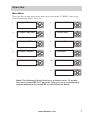
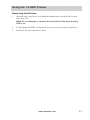
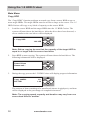
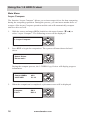
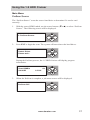
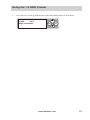
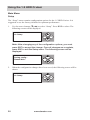
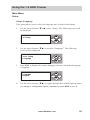
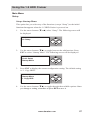
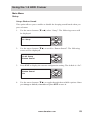
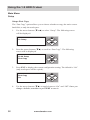
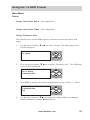
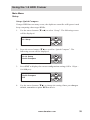
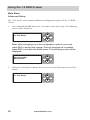
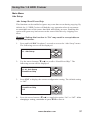
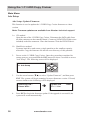
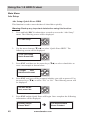
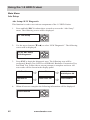
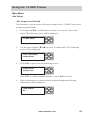
Using the 1:11 HDD Copy Cruiser Main Menu Adv Setup Adv Setup: Burn In This function is used to burn in all HDD Press and hold ESC for about three seconds to access the “Adv Setup” menu. The following screen will be displayed. 1. 11. Adv Setup ESC ENT Use the arrow buttons (or) to select “Burn In”. You will have four Burn In options. 11-09. Adv Setup Burn In Press ENT to display the current configuration setting. A screen similar to the following will be displayed. 3. Burn In Mode Copy & Compare ESC ENT Burn In Mode Async Cpy & Cmp ESC ENT Burn In Mode Async Compare ESC ENT Burn In Mode Compare 4. ESC ENT 2. ESC ENT Use the arrow buttons () to select an option, press ENT and Burn In will begin. After changing a setting, remember to press ENT to save it. www.aleratec.com 45