1
3.1.4
Checking the Battery Level
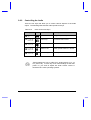
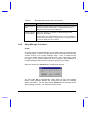
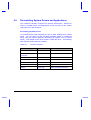
There are three ways to check the battery charge level:
•
Onscreen fuel gauge
•
Windows 95 battery indicator
•
Battery pack gauge
The fuel gauge shows the minimum guaranteed capacity to provide
assurance that the system will be operational for the minimum battery life
indicated.
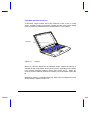
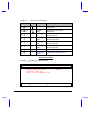
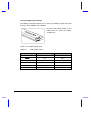
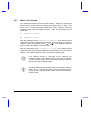
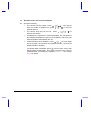
Using the Onscreen Fuel Gauge
-T. If a powered AC adapter
To access the onscreen fuel gauge, press
is connected to the notebook, a plug icon also shows in the onscreen fuel
gauge.
and the cursor keys to move the fuel gauge around the
Press and hold
screen. The onscreen fuel gauge indicates the present battery level. Press
the hot key again to hide the fuel gauge.
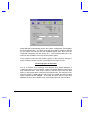
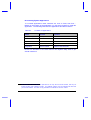
Using the Windows 95 Battery Indicator
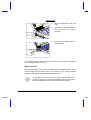
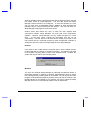
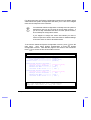
Rest your cursor on the battery icon on the taskbar to display the current
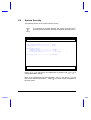
power left. Double-clicking on the battery icon on the taskbar displays the
Power dialog box. You can also access this dialog box via the Power icon
from the Control Panel.
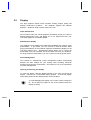
When the notebook is running on AC power, a plug icon
replaces the battery icon on the taskbar.
Power
3-5