1
Authentication Commands
4
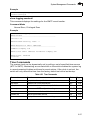
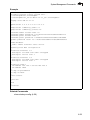
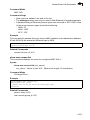
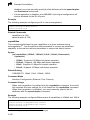
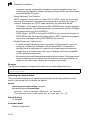
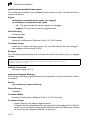
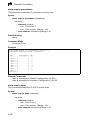
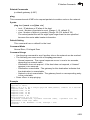
Example
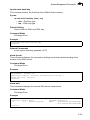
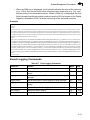
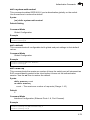
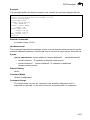
Console(config)#tacacs-server host 192.168.1.25
Console(config)#
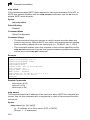
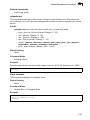
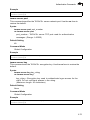
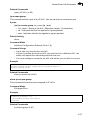
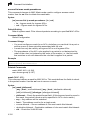
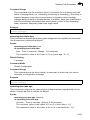
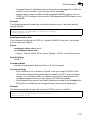
tacacs-server port
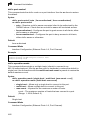
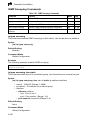
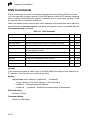
This command specifies the TACACS+ server network port. Use the no form to
restore the default.
Syntax
tacacs-server port port_number
no tacacs-server port
port_number - TACACS+ server TCP port used for authentication
messages. (Range: 1-65535)
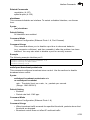
Default Setting
49
Command Mode
Global Configuration
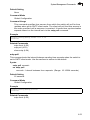
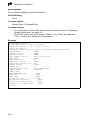
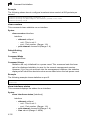
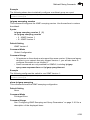
Example
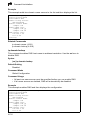
Console(config)#tacacs-server port 181
Console(config)#
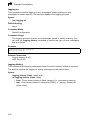
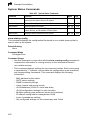
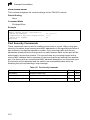
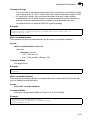
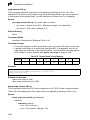
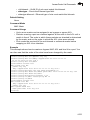
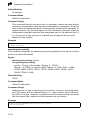
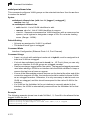
tacacs-server key
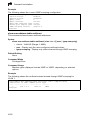
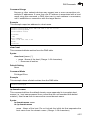
This command sets the TACACS+ encryption key. Use the no form to restore the
default.
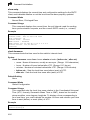
Syntax
tacacs-server key key_string
no tacacs-server key
key_string - Encryption key used to authenticate logon access for the
client. Do not use blank spaces in the string.
(Maximum length: 20 characters)
Default Setting
None
Command Mode
Global Configuration
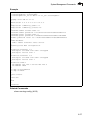
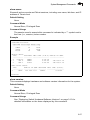
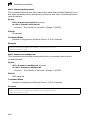
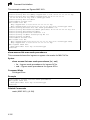
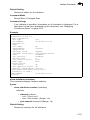
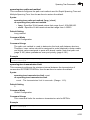
Example
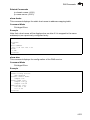
Console(config)#tacacs-server key green
Console(config)#
4-75