1
Viewing the Services Ready Platforms Status
Firewall Status
10
Firewall Status
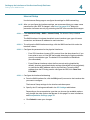
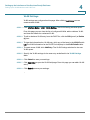
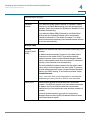
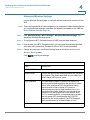
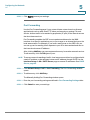
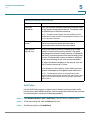
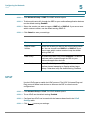
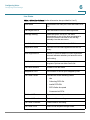
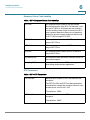
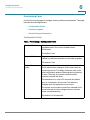
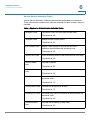
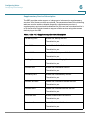
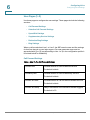
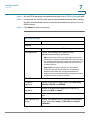
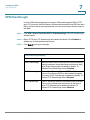
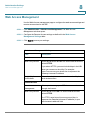
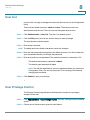
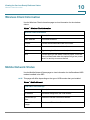
Use the Firewall Status page to view the SRP firewall information.
Status > Firewall
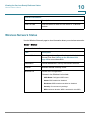
Firewall Status
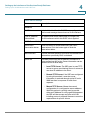
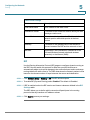
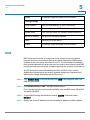
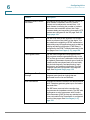
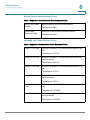
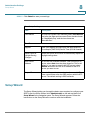
Field
Description
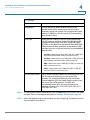
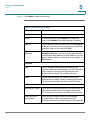
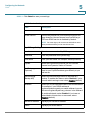
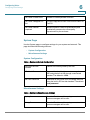
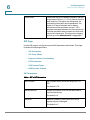
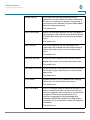
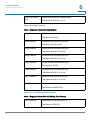
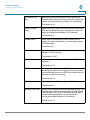
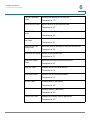
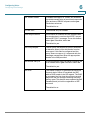
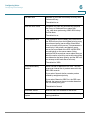
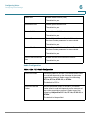
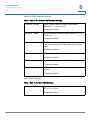
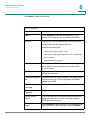
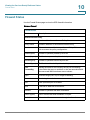
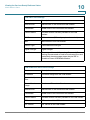
Internet Access Policy
No
Number of the Internet Access Policy list.
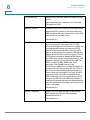
Policy Name
Numeric identifier of the Internet Access Policy.
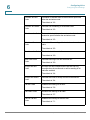
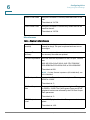
Status
Shows the status of the Internet Access Policy. Click on the
link to access the policy configuration.
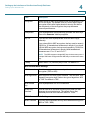
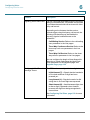
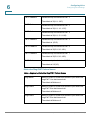
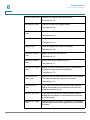
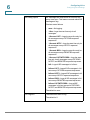
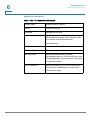
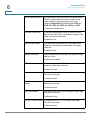
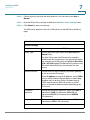
Passed (pkts)
Number of packets passed by this rule.
Passed (bytes)
Traffic volume passed by this rule, in bytes.
Blocked (pkts)
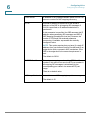
Number of packets blocked by this rule.
Blocked (bytes)
Traffic volume blocked by this rule, in bytes.
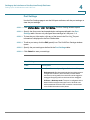
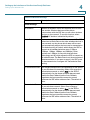
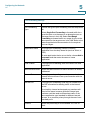
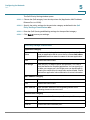
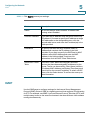
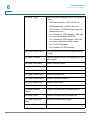
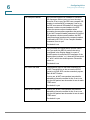
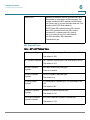
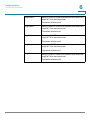
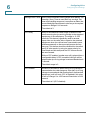
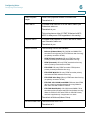
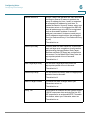
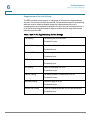
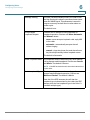
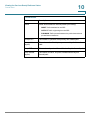
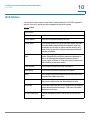
Port
Forwarding
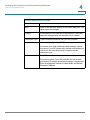
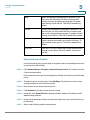
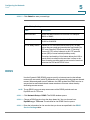
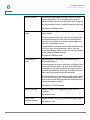
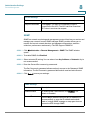
Shows the status of the currently active port forwarding
rules. Rules that are not enabled, or that are associated with
disconnected WAN interfaces are not shown.
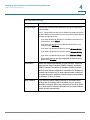
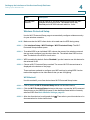
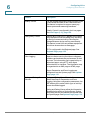
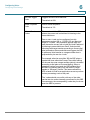
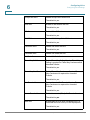
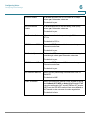
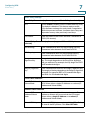
Type
Indicates single port or port range forwarding.
Protocol
Port being forwarded to.
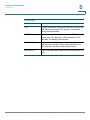
Port
User specified port to forward.
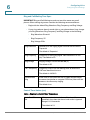
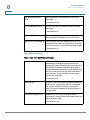
Host
LAN host IP address to forward to.
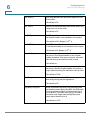
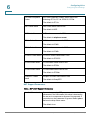
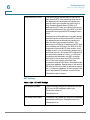
Packets
Number of packets that were forwarded.
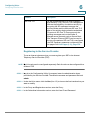
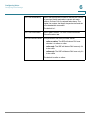
Traffic (bytes)
Traffic volume that was forwarded, in bytes.
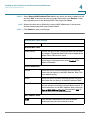
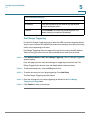
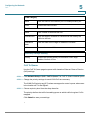
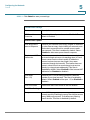
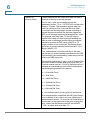
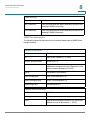
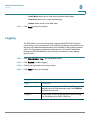
Statistics
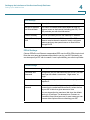
General traffic measurements through the firewall.
Cisco SRP500 Series Services Ready Platforms Administration Guide (SRP520 Models)
214