1
5.25
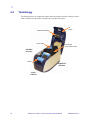
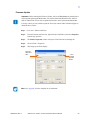
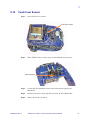
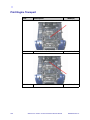
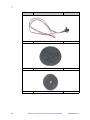
Card Sync Sensor
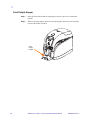
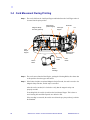
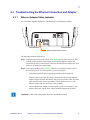
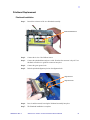
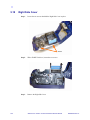
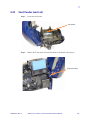
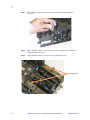
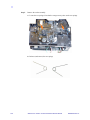
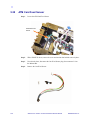
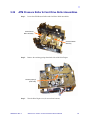
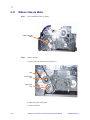
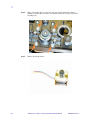
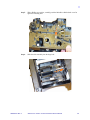
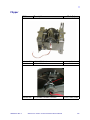
Step 1.
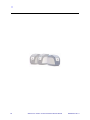
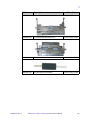
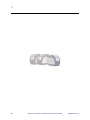
Locate the Card Sync Sensor.
Card Sync
Sensor
116
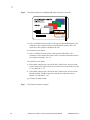
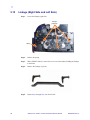
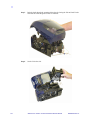
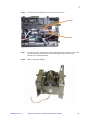
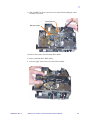
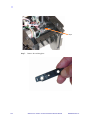
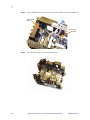
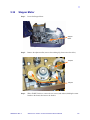
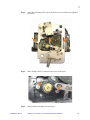
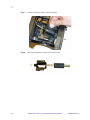
Step 2.
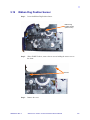
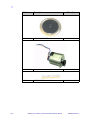
With a TORX T8 driver, remove the screw and retainer that hold the sensor in place.
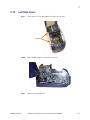
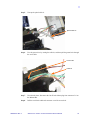
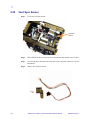
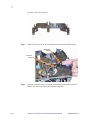
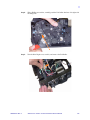
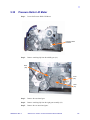
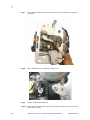
Step 3.
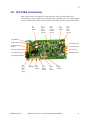
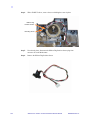
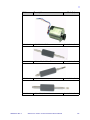
If not already done, disconnect the Card Sync Sensor plug from connector J9 on the
Main PCBA.
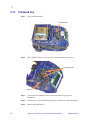
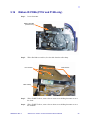
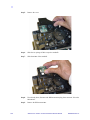
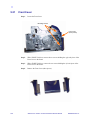
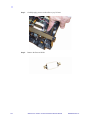
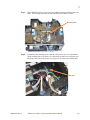
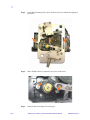
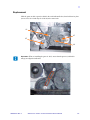
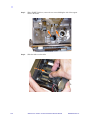
Step 4.
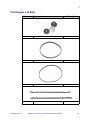
Remove the Card Sync Sensor.
Zebra P110i / P110m / P120i Card Printers Service Manual
980584-001 Rev. A