1
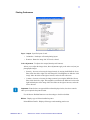
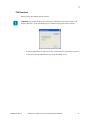
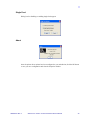
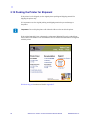
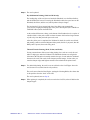
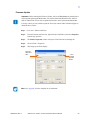
F/W Download
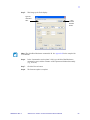
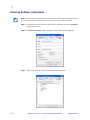
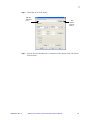
Dialog box for downloading printer firmware.
Important • Do not turn off the power to the printer until the process is done and the LCD
displays “READY”. If the download process is interrupted, the printer will not operate.
980584-001 Rev. A
•
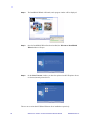
Select the appropriate .bin file from the host computer that is specified for the printer.
•
Select Start Firmware Download to execute the download process.
Zebra P110i / P110m / P120i Card Printers Service Manual
37