1
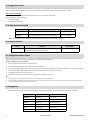
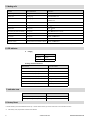
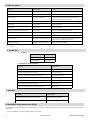
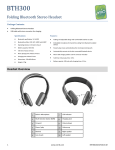
5. Making calls Function Status of BTH100 Operation Cancel calling Calling Press MFB button once Answer a call Incoming ring Press MFB button once Reject a call Incoming ring Press and hold MFB button for 2 seconds and release it until hearing indication tone End a call During a call Press MFB button once Volume up During a call Press + button Volume down During a call Press -button Call transfer (cell phone to headset) During a call Press MFB button for 2 seconds Microphone mute During a call Double click MFB button Cancel mute During a call Double click MFB button Voice dial Standby mode and connected to a device Press < button about 2 seconds and release it until hear a prompt tone Redial last number Standby mode and connected to a device Double click MFB button Note: Pairing mode will last 2 minutes. If not devices can be connected after 2 minutes, it will return to standby mode automatically. 6. LED indicator A. Charging LED Indicator Status of headset Red LED on Charging Red LED off Finish Charging B. Pairing with Bluetooth device LED Indicator Status of headset Red and blue LED flashes alternately Pairing mode Blue LED flashes once quickly every 2 seconds Not connect device Blue LED flashes twice quickly every 4 seconds Have already connected HFP or A2DP Blue LED flashes three times quickly every 4 seconds Connect HFP and A2DP simultaneously Blue LED flashes quickly Calling/incoming call Blue LED flashes once quickly every 4 seconds During a call Red LED flashes twice every 30 seconds Low battery 7. Indication tone Indication tone Status of the headset Continuous two prompt tone every 10 seconds Conversation mode and microphone mute Three “dong” warning tone every 20 seconds Low battery 8. Factory Reset In turned off mode, press and hold MFB and volume up “+” button about 8 seconds, you will see red LED on 1 second and hear two tones. 3 After factory reset, the paired list of devices will be deleted. www.everik.com BTH200.KM.072013.IM