1
Firmware User’s Manual V6.08.30
System
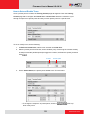
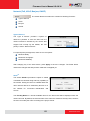
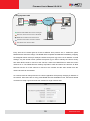
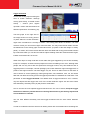
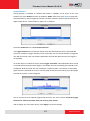
The section System provides the list of functions that help manage the
camera. The [+] mark before System indicates that the list can be expanded by clicking on it.
Once expanded, the list can later be collapsed again by clicking on the [-] mark.
User Account
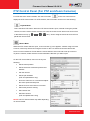
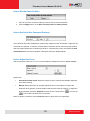
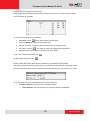
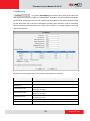
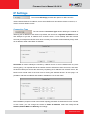
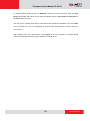
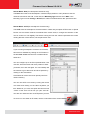
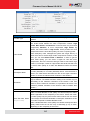
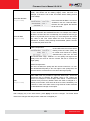
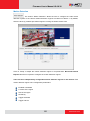
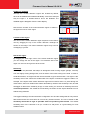
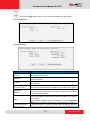
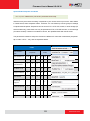
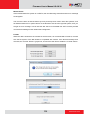
The section User Accounts allows doing following user management
tasks:
1. Change the account name or password of the Root account that has a full access to the
camera.
2. Create up to 10 common users that only have an access for live view and PTZ control.
3. Enable/disable the option of seeing the live view without needing user name and password
(anonymous login), which is especially convenient function for camera installers on the field.
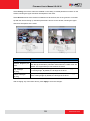
For security reasons, account name and password is always required when entering Setup
page of Web Configurator or when trying to access camera or change settings by URL
commands.
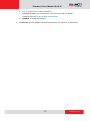
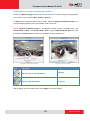
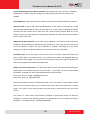
After changing any of the items above, press Apply to save the changes. The Reset button
undoes the changes that had just been made but not Applied yet.
111
www.acti.com