1
Firmware User’s Manual V6.08.30
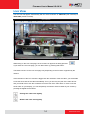
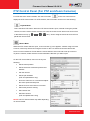
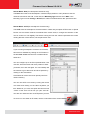
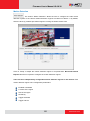
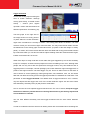
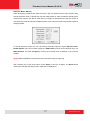
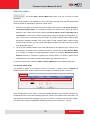
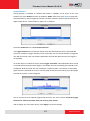
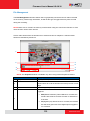
The digital output controls appear on the Live View page of the cameras with digital input/output
function. The controls allow users to manually trigger a DO device.
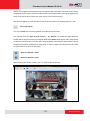
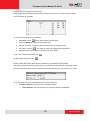
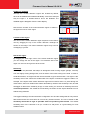
- Select DO Port
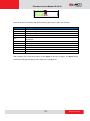
Each DO ports are controlled separately. For cameras with more than one DO ports, select the
DO port and press
to set the output power level to high or
to set the output power level
to low. Consequently, setting the port to a high power level “activates” the DO device and setting
the port to a low power level “deactivates” the DO device. For example, if an alarm is set as DO1
and
is pressed, the alarm will continuously sound until
is pressed to deactivate the
device.
17
www.acti.com