1
ShareCenter Pro User Manual
3.5.8
Import/Export a system configuration file
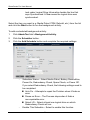
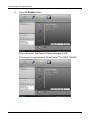
To import the configuration file to the NAS:
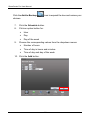
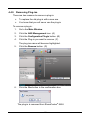
1. Click AdminTool tab > Configuration File.
2.
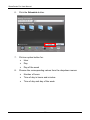
Click the Import button.
3.
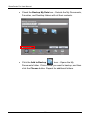
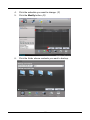
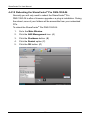
Click the Browse button to locate the configuration file (.bcf), and then
click the Open button.
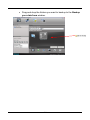
4.
Click the summit button
5.
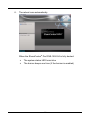
The NAS system will reboot
To export the current configuration file:
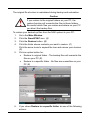
1. Click AdminTool tab > Configuration File.
2.
Click the Export button.
3.
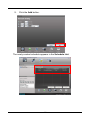
Click the Submit button. The current configuration will be saved as a .bcf
file in your Host PC.
64