1
English
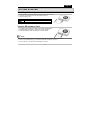
How to install the DVR
Connect one end of the cable to the cigarette lighter and the other end to the DVR.
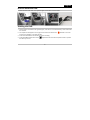
Starting the DVR
1. After the DVR is connected to the cigarette lighter, it will start to record automatically in video mode when
the car starts.
2. The elapse time will appear on the top right of the LCD screen and the icon
will flash on the LCD
screen, the IR indicator on the right will flash.
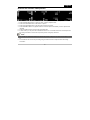
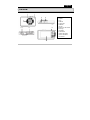
3. Press the Power/SOS for two seconds to stop the recording.
4. Press Menu/Mode button switch to the
/playback function and use the Up/Down button to preview
the videos you record.
-5-