1
English
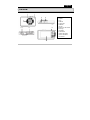
Menu button
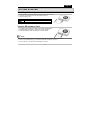
1. Press Mode / Menu button to select Video /camera/ playback mode.
2. Press Mode /Menu button for three seconds to enter function menu, press Mode / Menu button again for
three seconds to enter the setup menu.
3. Press Down/Up button to select the function and press the Mode/ menu button to confirm and to exit.
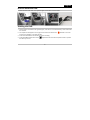
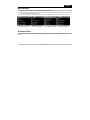
Video Mode Function Menu
Video Mode Setup Menu
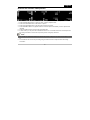
Camera Mode Function Menu
Camera Mode Setup Menu
Download files
Connect the DVR to a computer with a USB when the DVR is on and you can download files from the SD
card.
-7-