1
Contents
Connections
Playback
Settings
Tips
Appendix
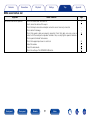
22No sound comes out
Symptom
No sound comes out of speakers.
Front panel
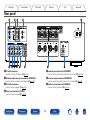
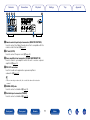
Rear panel
Cause / Solution
Page
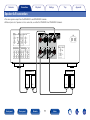
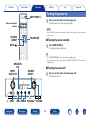
•Check the connections for all devices.
•Insert connection cables all the way in.
•Check that input connectors and output connectors are not reversely connected.
•Check cables for damage.
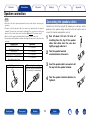
•Check that speaker cables are properly connected. Check that cable core wires come in
contact with the metal part on speaker terminals. Also, securely tighten speaker terminals.
Check speaker terminals for looseness.
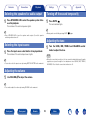
•Check that a proper input source is selected.
•Adjust the volume.
•Cancel the mute mode.
•Check the settings of the SPEAKERS A/B button.
15
–
–
–
16
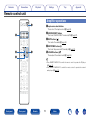
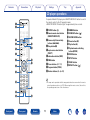
Remote
37
Index
26
26
26
26