1
Contents
Connections
Playback
Settings
Appendix
Tips
Part names and functions
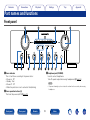
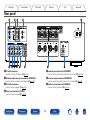
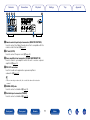
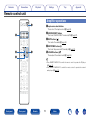
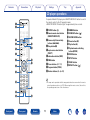
Front panel
Q4
Q5
q
w
e
r
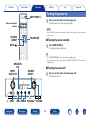
qPower indicator
This is lit as follows according to the power status :
•Power on : Off
•Standby : Red
•Power off : Off
•When the protection circuit is activated : Red (blinking)
t y
Q3
Q1
u i o Q0
eHeadphone jack (PHONES)
Used to connect headphones.
Turn off speaker output when using headphones (vpage 26).
NOTE
•To prevent hearing loss, do not raise the volume level excessively when using
headphones.
wPower operation button (X)
This turns the power on/off (vpage 25).
Front panel
Rear panel
Remote
Q2
8
Index