1
2. Installation
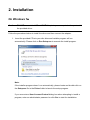
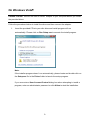
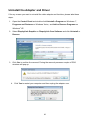
On Windows 7®
Caution: DO NOT connect the USB to HDMI® Adapter to your computer before you install
the provided driver.
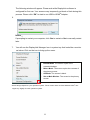
Follow the procedures below to install the driver and then connect the adapter:
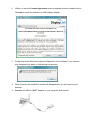
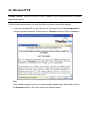
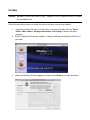
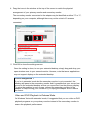
1. Insert the provided CD into your disc drive and installer program will run
automatically. Please click on Run Setup.exe to execute the install program.
Note:
If the installer program doesn’t run automatically, please locate and double-click on
the Setup.exe file in the Driver folder to launch the setup program.
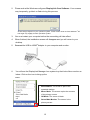
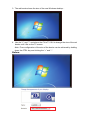
If you encounter a User Account Control dialog box when attempting to install a
program, enter an administrator password or click Yes to start the installation.