1
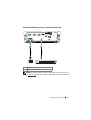
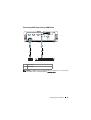
Connection With Commercial RS232 Control Box
.
27
. . . . . . .
28
Using Your Projector
. . . . . . . . . . . . . . . .
30
Turning Your Projector On
. . . . . . . . . . . . . . . .
30
Connecting With Your Interactive Pen
3
Turning Your Projector Off .
. . . . . . . . . . . . . . .
Adjusting the Projected Image
. . . . . . . . . . . . .
Raising the Projector Height
. . . . . . . . . . . .
Lowering the Projector Height
Adjusting the Projector Focus .
31
31
. . . . . . . . . . . . .
32
. . . . . . . . . . . .
33
. . . . . . . . . . . . . . . . .
35
Using the Remote Control
. . . . . . . . . . . . . . . .
37
Using the Interactive Pen
. . . . . . . . . . . . . . . .
40
. . . . . . .
41
. . . . . . . . . . . . . .
41
. . . . . . . . . . . . . . . . . .
42
OSD warning messages - low battery
Combinations of buttons
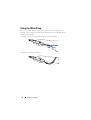
Using the Wrist Strap
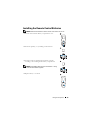
Installing the Remote Control Batteries
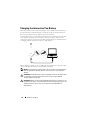
Charging the Interactive Pen Battery
. . . . . . . .
43
. . . . . . . . . .
44
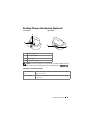
Docking Charger Introduction (Optional)
. . . . . . . .
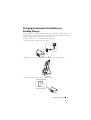
Charging the Interactive Pen Battery by Docking Charger . . . . . . . . . . . . . .
45
. . . . . . .
47
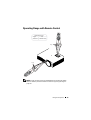
Operating Range with Remote Control
. . . . . . . . .
49
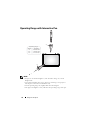
Operating Range with Interactive Pen
. . . . . . . . .
50
. . . . . . . . . . . . . .
51
. . . . . . . . . . . . . . . . . . .
51
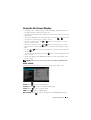
Using the On-Screen Display
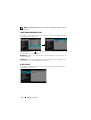
INPUT SOURCE
4
31
. . . . . . . . . . .
Adjusting Projection Image Size
Using the Control Panel
30
Contents