1
Troubleshooting
321
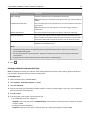
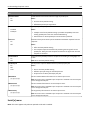
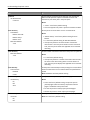
Action
Yes
No
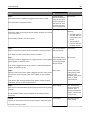
Step 1
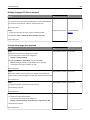
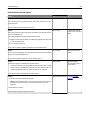
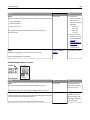
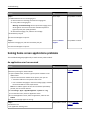
a Make sure your software program is using a correct fill pattern.
Go to step 2.
The problem is solved.
Go to step 3.
The problem is solved.
Go to step 4.
The problem is solved.
Contact customer
support.
The problem is solved.
Yes
No
b Resend the print job.
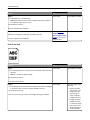
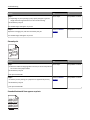
Do horizontal voids appear on prints?
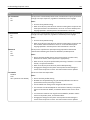
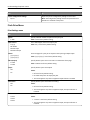
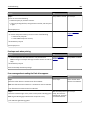
Step 2
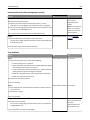
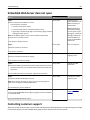
a Load the specified tray or feeder with a recommended type of paper.
b Resend the print job.
Do horizontal voids appear on prints?
Step 3
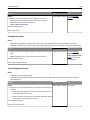
a Redistribute the toner in the imaging unit.
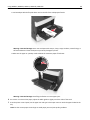
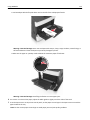
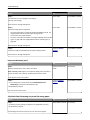
1 Remove the toner cartridge, and then the imaging unit.
2 Firmly shake the imaging unit.
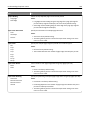
Warning—Potential Damage: Do not expose the imaging unit to
direct light for more than 10 minutes. Extended exposure to
light may cause print quality problems.
3 Reinstall the imaging unit, and then the cartridge.
b Resend the print job.
Do horizontal voids appear on prints?
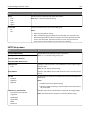
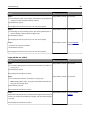
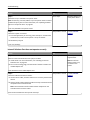
Step 4
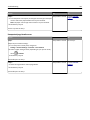
Replace the imaging unit, and then resend the print job.
Do horizontal voids appear on prints?
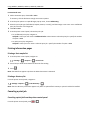
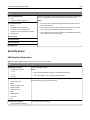
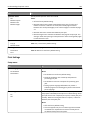
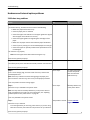
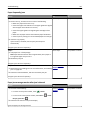
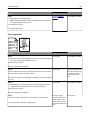
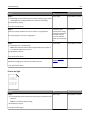
Incorrect margins on prints
ABC
DEF
Action
Step 1
The problem is solved. Go to step 2.
a Move the width and length guides in the tray to the correct positions
for the paper size loaded.
b Resend the print job.
Are the margins correct?