1
Understanding printer menus
143
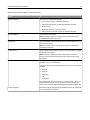
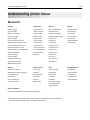
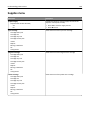
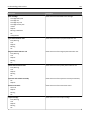
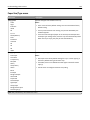
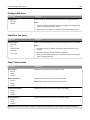
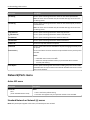
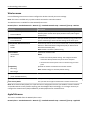
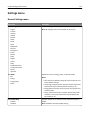
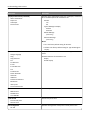
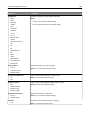
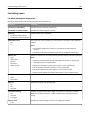
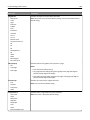
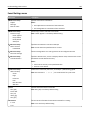
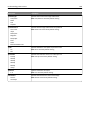
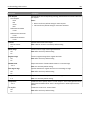
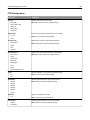
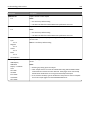
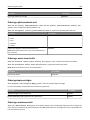
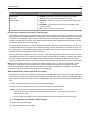
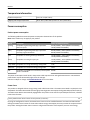
Paper Size/Type menu
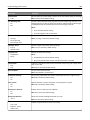
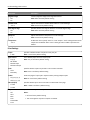
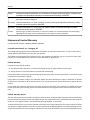
Menu item
Description
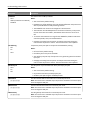
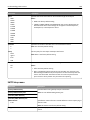
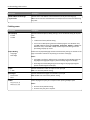
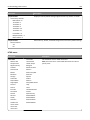
Tray [x] Size
Letter
Legal
Executive
JIS‑B4
A3
11 x 17
Oficio (México)
Folio
Statement
Universal
A4
A5
A6
JIS B5
Specifies the paper size loaded in each tray
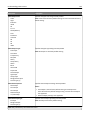
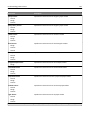
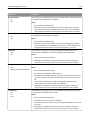
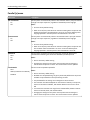
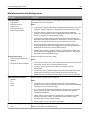
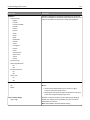
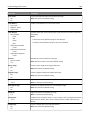
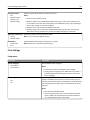
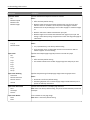
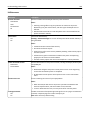
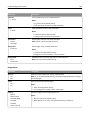
Tray [x] Type
Plain Paper
Card Stock
Transparency
Recycled
Glossy
Heavy Glossy
Labels
Bond
Envelope
Rough Envelope
Letterhead
Preprinted
Colored Paper
Light Paper
Heavy Paper
Rough/Cotton Paper
Custom Type [x]
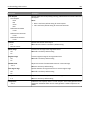
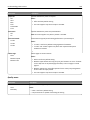
Specifies the paper type loaded in each tray
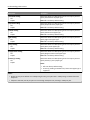
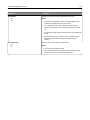
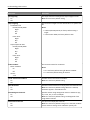
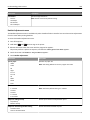
Notes:
• Letter is the US factory default setting. A4 is the international factory
default setting.
• For trays with automatic size sensing, only the size detected by the
hardware appears.
• If the same size and type of paper are in two trays and the Paper Size
and Paper Type settings match, then the trays are automatically linked.
When one tray is empty, the print job uses the linked tray.
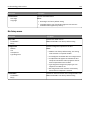
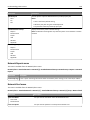
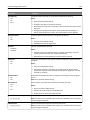
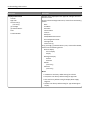
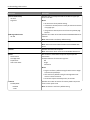
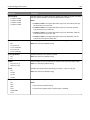
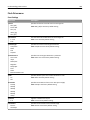
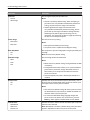
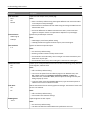
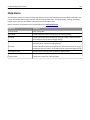
Notes:
• Plain Paper is the factory default setting for Tray 1. Custom Type [x] is
the factory default setting for all other trays.
• If available, then a user‑defined name will appear instead of Custom
Type [x].
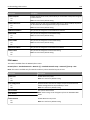
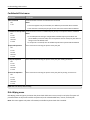
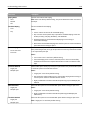
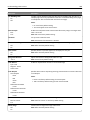
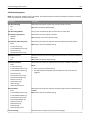
• Use this menu to configure automatic tray linking.
Note: Only installed trays are listed in this menu.