1
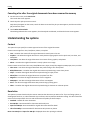
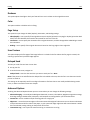
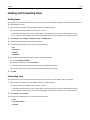
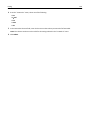
Understanding printer menus
209
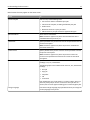
Menu item
Description
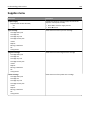
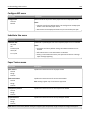
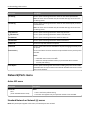
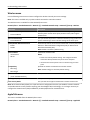
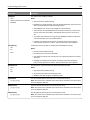
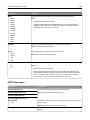
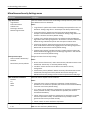
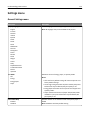
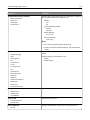
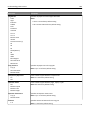
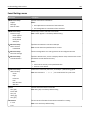
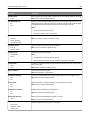
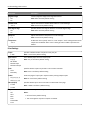
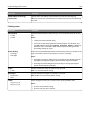
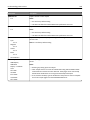
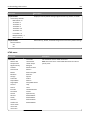
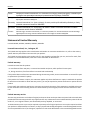
Negative Image
Off
On
Creates a negative image of the original document
Shadow Detail
‑4 to 4
Adjusts the amount of shadow detail visible on a scanned image
Scan edge to edge
Off
On
Specifies whether the original document is scanned edge-to-edge
Sharpness
1–5
Adjusts the amount of sharpness on a scanned image
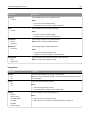
Temperature
‑4 to 4
Enables the user to specify “warm” or “cool” outputs. "Cool” values generate a bluer
output than the default while “warm” values generate a redder output than the
default.
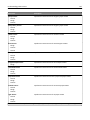
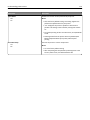
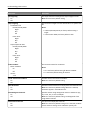
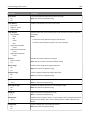
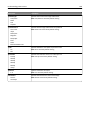
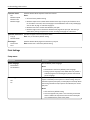
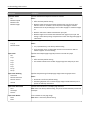
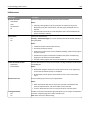
Note: Off is the factory default setting.
Note: 0 is the factory default setting.
Note: Off is the factory default setting.
Note: 3 is the factory default setting.
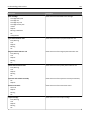
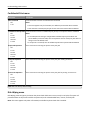
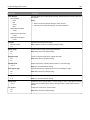
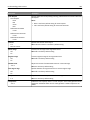
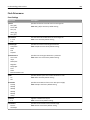
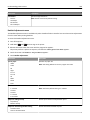
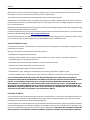
Print Settings
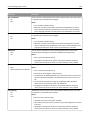
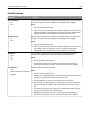
Copies
1–999
Specifies a default number of copies for each print job
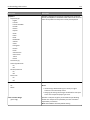
Paper Source
Tray [x]
MP Feeder
Manual Paper
Manual Envelope
Sets a default paper source for all print jobs
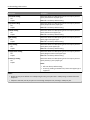
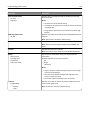
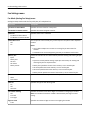
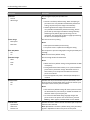
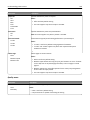
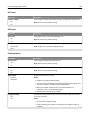
Color
Color
Black Only
Specifies whether copies are printed in color or black‑and‑white
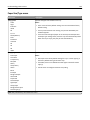
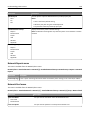
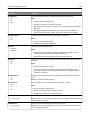
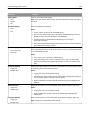
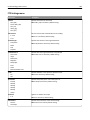
Collate
On (1,2,1,2,1,2)
Off (1,1,1,2,2,2)
Stacks the pages of a print job in sequence when printing multiple copies
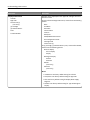
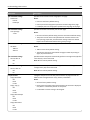
Sides (Duplex)
1 sided
2 sided
Specifies whether prints are on one side or on both sides of the page
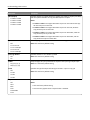
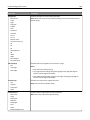
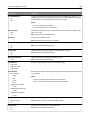
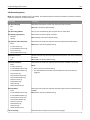
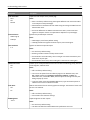
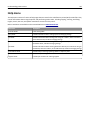
Staple
Off
Auto
Back
Dual
Dual Double
Front
Specifies whether prints are stapled
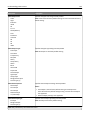
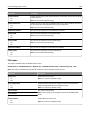
Note: 1 is the factory default setting.
Note: Tray 1 is the factory default setting.
Note: Color is the factory default setting.
Note: On is the factory default setting.
Note: 1 sided is the factory default setting.
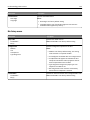
Notes:
• Off is the factory default setting.
• This menu appears only when a stapler is installed.