1
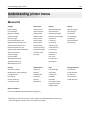
Understanding printer menus
206
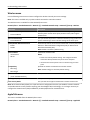
Flash Drive menu
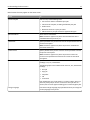
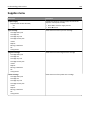
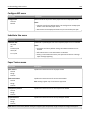
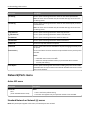
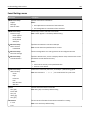
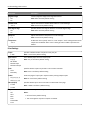
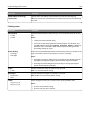
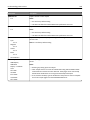
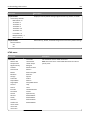
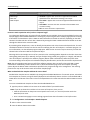
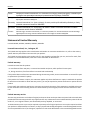
Scan Settings
Menu item
Description
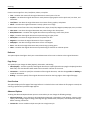
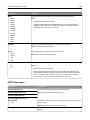
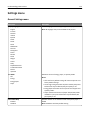
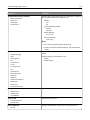
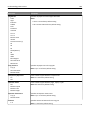
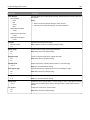
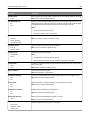
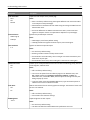
Format
PDF (.pdf)
Secure PDF
TIFF (.tif)
JPEG (.jpg)
XPS (.xps)
Specifies the format of the file to be sent through FTP
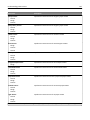
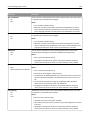
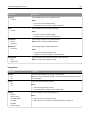
PDF Version
1.2–1.6
A‑1a
Sets the version of the PDF file to be sent through FTP
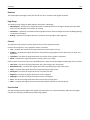
Content Type
Text/Photo
Photo
Text
Graphics
Specifies the content of the original document
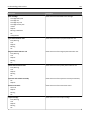
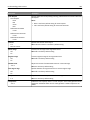
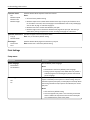
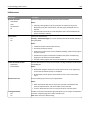
Content Source
Color Laser
Inkjet
Photo/Film
Magazine
Newspaper
Press
Other
Black and White Laser
Specifies how the original document is produced
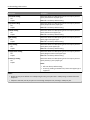
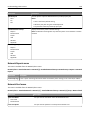
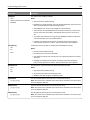
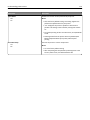
Color
On
Off
Specifies whether prints are in black‑and‑white or color
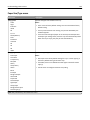
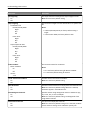
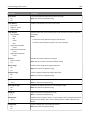
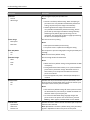
Note: PDF (.pdf) is the factory default setting.
Note: 1.5 is the factory default setting.
Note: Text/Photo is the factory default setting.
Note: Color Laser is the factory default setting.
Note: Off is the factory default setting.
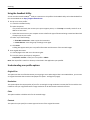
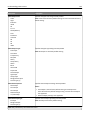
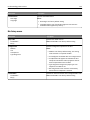
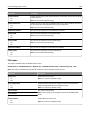
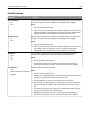
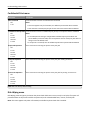
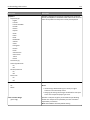
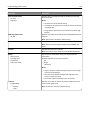
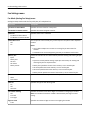
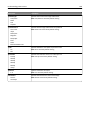
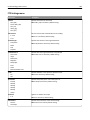
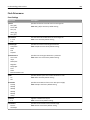
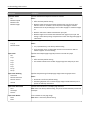
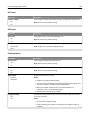
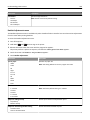
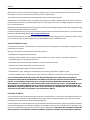
Resolution
150 dpi
200 dpi
300 dpi
400 dpi
600 dpi
75 dpi
Specifies the resolution of the scan in dots per inch (dpi)
Darkness
1–9
Lightens or darkens the output
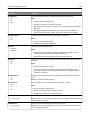
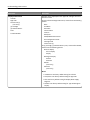
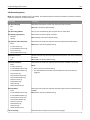
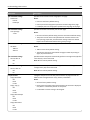
Orientation
Portrait
Landscape
Specifies the orientation of the scanned image
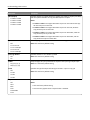
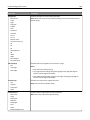
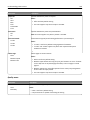
Note: 150 dpi is the factory default setting.
Note: 5 is the factory default setting.
Note: Portrait is the factory default setting.