1
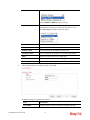
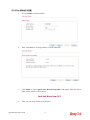
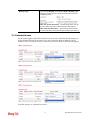
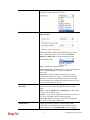
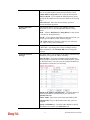
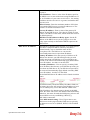
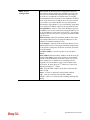
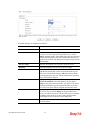
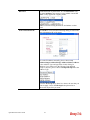
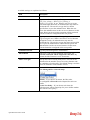
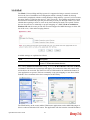
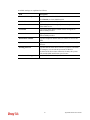
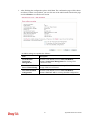
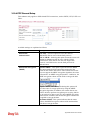
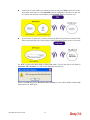
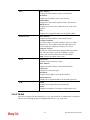
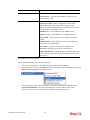
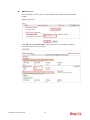
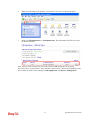
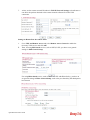
window with remaining time of connection for such user
will be displayed. Next, the user can access Internet through
any browser on Windows. Note that Alert Tool can be
downloaded from DrayTek web site.
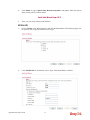
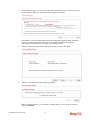
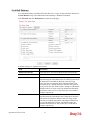
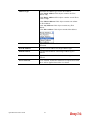
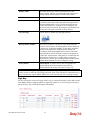
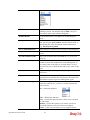
Telnet – If it is selected, the user can use Telnet command
to perform the authentication job.
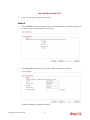
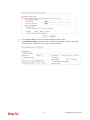
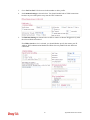
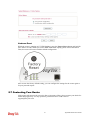
Landing Page
When a user tries to access into the web configurator of
Vigor router series with the user name and password
specified in this profile, he/she will be lead into the web
page configured in Landing Page field in User
Management>>General Setup.
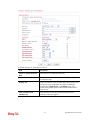
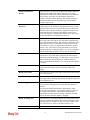
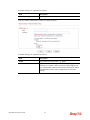
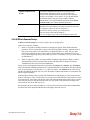
Check this box to enable such function.
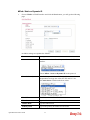
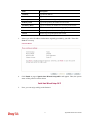
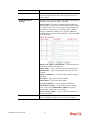
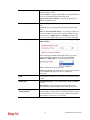
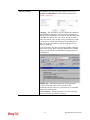
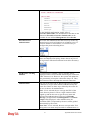
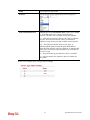
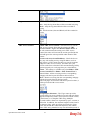
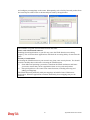
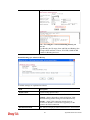
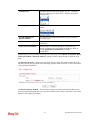
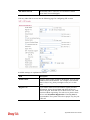
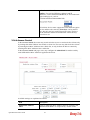
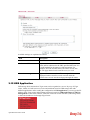
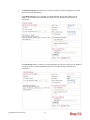
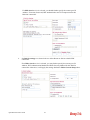
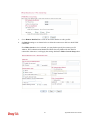
Enable Time Quota
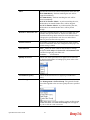
Time quota means the total connection time allowed by the
router for the user with such profile. Check the box to
enable the function of time quota. The first box displays the
remaining time of the network connection. The second box
allows to type the number of time (unit is minute) which is
available for the user (using such profile) to access Internet.
Refresh – Click this button to recalculate the time quota.
Add – Click this box to set the time quota for such profile.
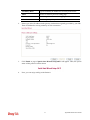
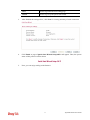
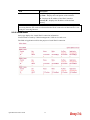
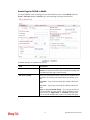
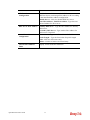
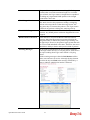
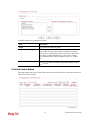
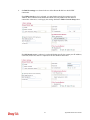
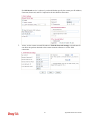
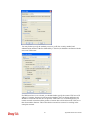
Index (1-15) in Schedule
Setup
You can type in four sets of time schedule for your request.
All the schedules can be set previously in Application >>
Schedule web page and you can use the number that you
have set in that web page.
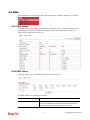
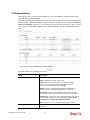
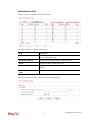
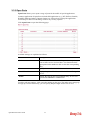
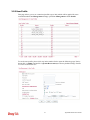
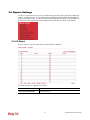
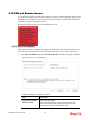
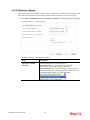
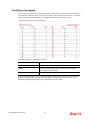
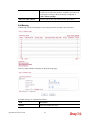
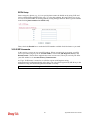
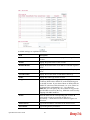
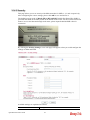
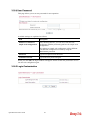
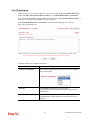
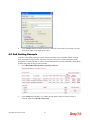
3.5.3 User Group
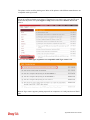
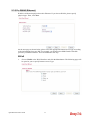
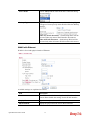
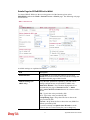
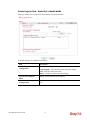
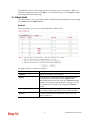
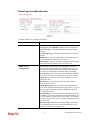
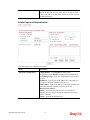
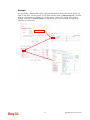
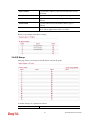
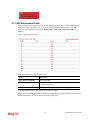
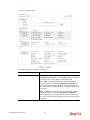
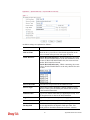
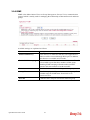
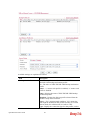
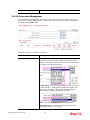
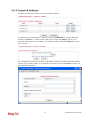
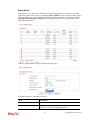
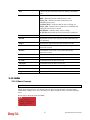
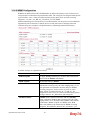
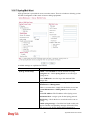
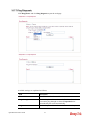
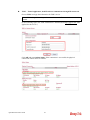
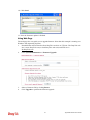
This page allows you to bind several user profiles into one group. These groups will be used in
Firewall>>General Setup as part of filter rules.
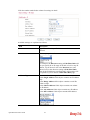
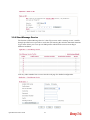
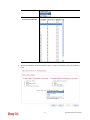
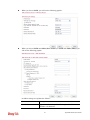
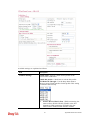
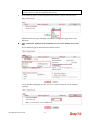
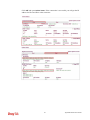
Please click any index number link to open the following page.
Vigor2850 Series User’s Guide
138