1
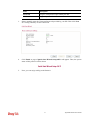
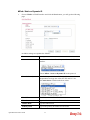
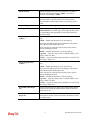
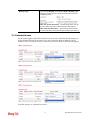
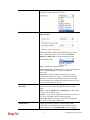
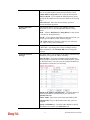
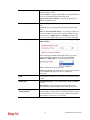
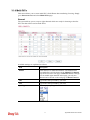
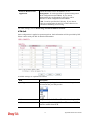
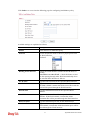
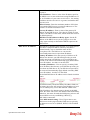
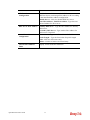
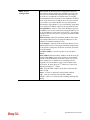
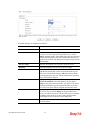
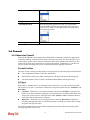
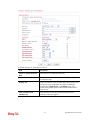
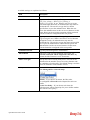
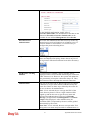
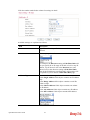
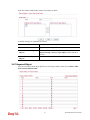
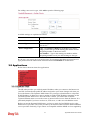
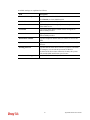
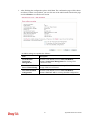
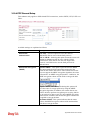
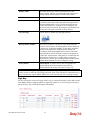
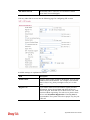
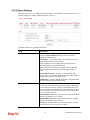
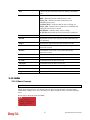
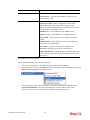
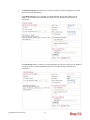
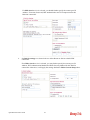
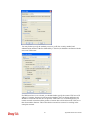
address here. Do not change the default value if you do not
select PPTP or L2TP.
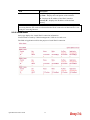
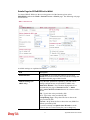
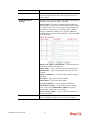
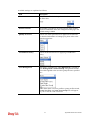
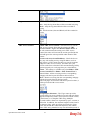
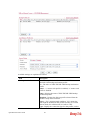
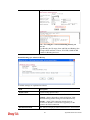
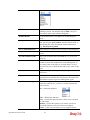
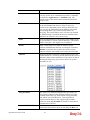
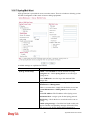
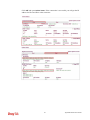
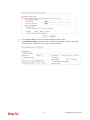
Remote Network IP/ Remote Network Mask - Add a
static route to direct all traffic destined to this Remote
Network IP Address/Remote Network Mask through the
VPN connection. For IPSec, this is the destination clients
IDs of phase 2 quick mode.
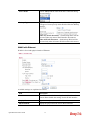
Local Network IP / Local Network Mask - Display the
local network IP and mask for TCP / IP configuration. You
can modify the settings if required.
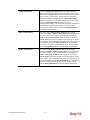
More - Add a static route to direct all traffic destined to
more Remote Network IP Addresses/ Remote Network
Mask through the VPN connection. This is usually used
when you find there are several subnets behind the remote
VPN router.
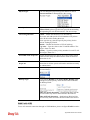
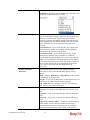
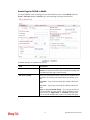
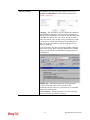
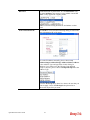
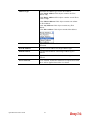
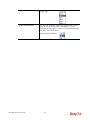
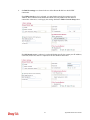
RIP Direction - The option specifies the direction of RIP
(Routing Information Protocol) packets. You can
enable/disable one of direction here. Herein, we provide
four options: TX/RX Both, TX Only, RX Only, and
Disable.
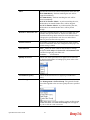
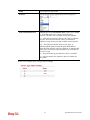
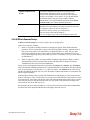
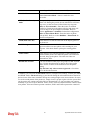
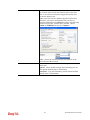
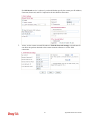
From first subnet to remote network, you have to
do - If the remote network only allows you to dial in with
single IP, please choose NAT, otherwise choose Route.
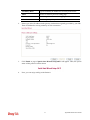
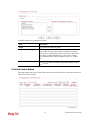
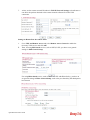
Change default route to this VPN tunnel - Check this box
to change the default route with this VPN tunnel.
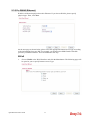
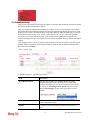
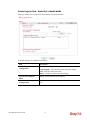
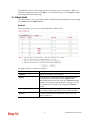
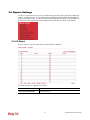
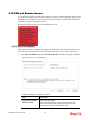
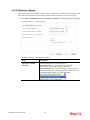
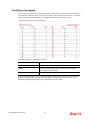
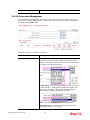
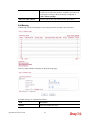
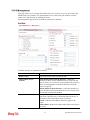
3.10.9 VPN TRUNK Management
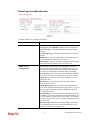
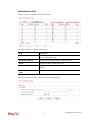
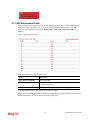
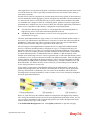
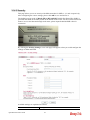
VPN trunk includes four features - VPN Backup, VPN load balance, GRE over IPSec, and
Binding tunnel policy.
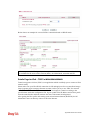
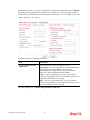
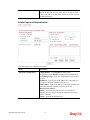
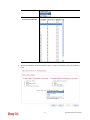
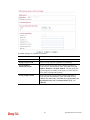
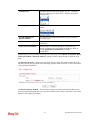
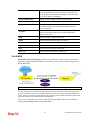
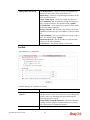
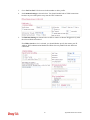
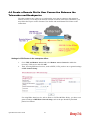
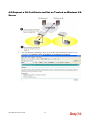
Features of VPN TRUNK – VPN Backup Mechanism
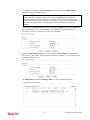
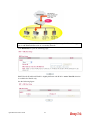
VPN TRUNK Management is a backup mechanism which can set multiple VPN tunnels as
backup tunnel. It can assure the network connection not to be cut off due to network
environment blocked by any reason.
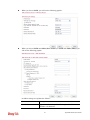
¾
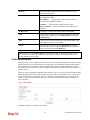
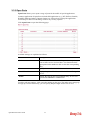
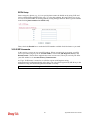
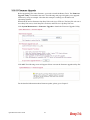
VPN TRUNK-VPN Backup mechanism can judge abnormal situation for the
environment of VPN server and correct it to complete the backup of VPN Tunnel in
real-time.
Vigor2850 Series User’s Guide
220