1
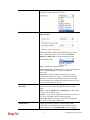
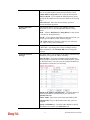
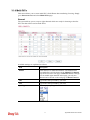
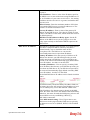
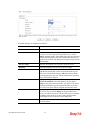
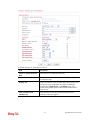
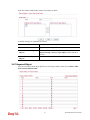
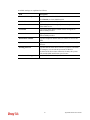
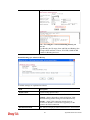
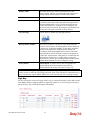
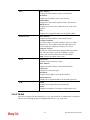
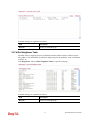
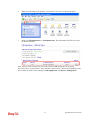
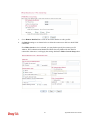
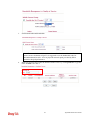
Physical Mode
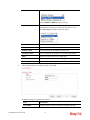
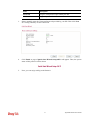
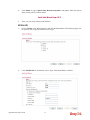
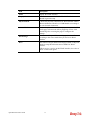
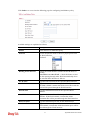
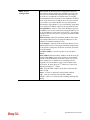
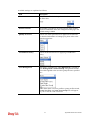
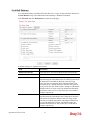
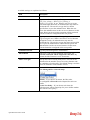
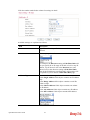
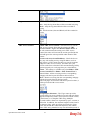
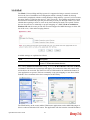
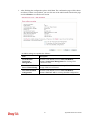
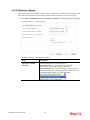
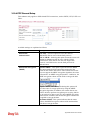
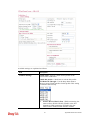
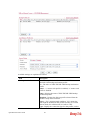
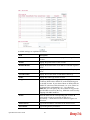
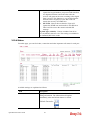
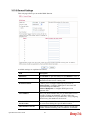
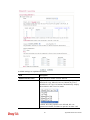
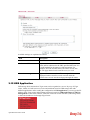
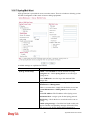
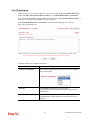
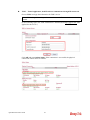
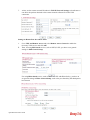
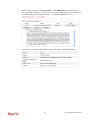
Display the physical mode of such interface. If VDSL is
detected, this field will display “VDSL”; if ADSL is
detected, it will display “ADSL”.
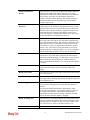
Fallback Mode
It allows you to specify which physical connection is used.
Once the mode is specified, the router will not detect
physical mode automatically whenever powering up the
router.
Physical Type
For such interface, no type can be selected.
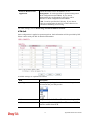
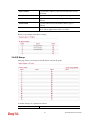
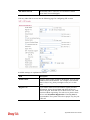
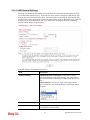
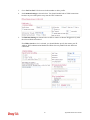
Line Speed (Kpbs)
If your choose According to Line Speed as the Load
Balance Mode in previous page, please type the line speed
for downloading and uploading for such WAN interface.
The unit is kbps.
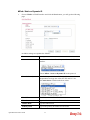
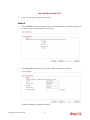
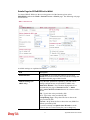
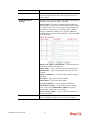
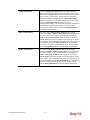
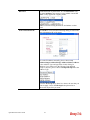
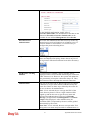
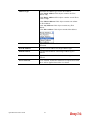
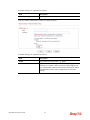
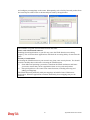
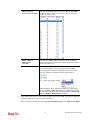
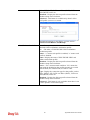
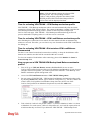
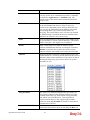
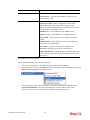
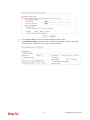
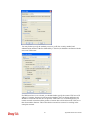
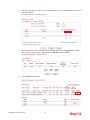
VLAN Tag insertion
(ADSL)
The settings configured in this field are available for VDSL
only.
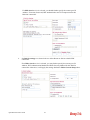
Enable – Enable the function of VLAN with tag.
The router will add specific VLAN number to all packets
on the WAN while sending them out.
Please type the tag value and specify the priority for the
packets sending by WAN1.
Disable – Disable the function of VLAN with tag.
Tag value – Type the value as the VLAN ID number. The
range is form 0 to 4095.
Priority – Type the packet priority number for such VLAN.
The range is from 0 to 7.
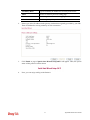
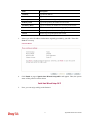
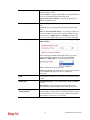
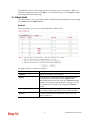
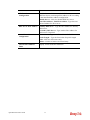
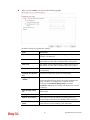
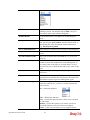
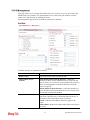
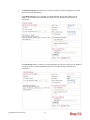
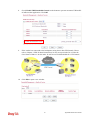
VLAN Tag insertion
(VDSL)
The settings configured in this field are available for VDSL
only.
Enable – Enable the function of VLAN with tag.
The router will add specific VLAN number to all packets
on the WAN while sending them out.
Please type the tag value and specify the priority for the
packets sending by WAN1.
Disable – Disable the function of VLAN with tag.
Tag value – Type the value as the VLAN ID number. The
range is form 0 to 4095.
Priority – Type the packet priority number for such VLAN.
The range is from 0 to 7.
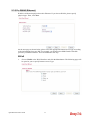
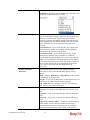
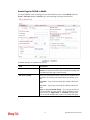
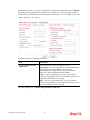
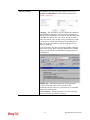
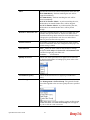
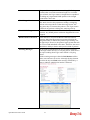
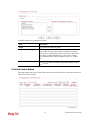
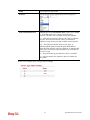
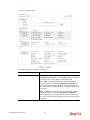
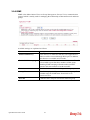
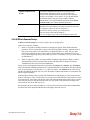
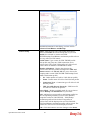
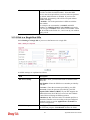
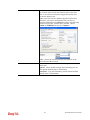
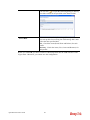
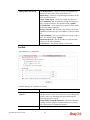
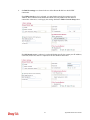
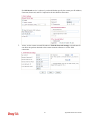
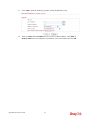
Send SMS if line drops
out
Use the drop down list to choose one of the profiles which
will be used to notify the administrator when the network
connection is off.
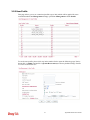
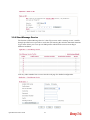
Send Mail Alert if line
drops out
Check the box to enable this function. When the network
connection is off, the system will send a mail alert to notify
the administrator.
51
Vigor2850 Series User’s Guide