1
Playback/Editing
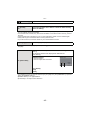
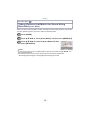
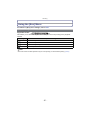
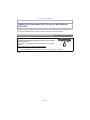
[Text Stamp]
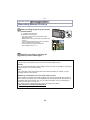
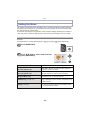
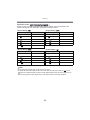
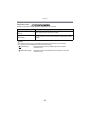
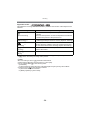
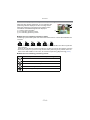
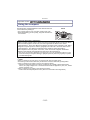
You can stamp the recording date/time, name, location, travel date, the location name or
landmark name stored by the GPS function, etc., onto the recorded pictures.
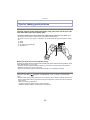
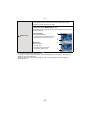
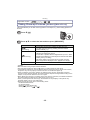
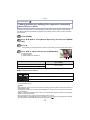
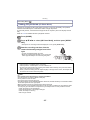
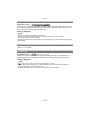
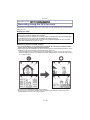
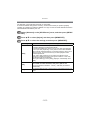
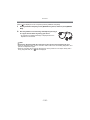
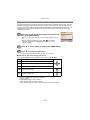
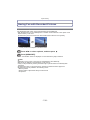
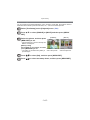
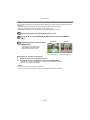
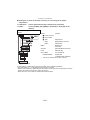
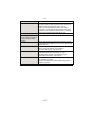
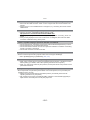
Select [Text Stamp] on the [Playback] menu. (P46)
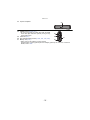
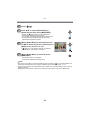
Press 3/4 to select [SINGLE] or [MULTI] and then press [MENU/
SET].
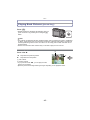
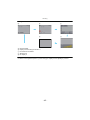
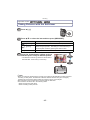
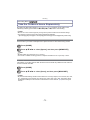
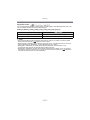
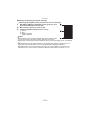
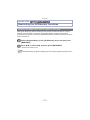
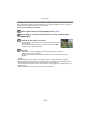
Select the picture, and then press
[MENU/SET] to set.
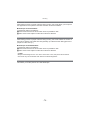
[SINGLE]
[MULTI]
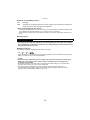
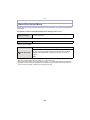
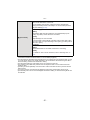
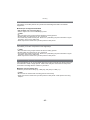
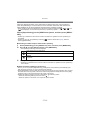
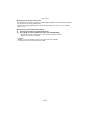
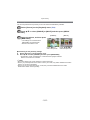
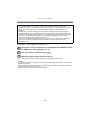
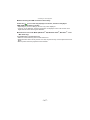
• [‘] is displayed on pictures already with
date or text stamped.
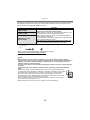
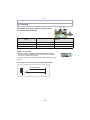
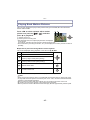
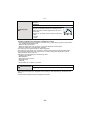
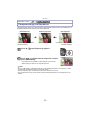
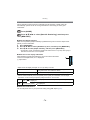
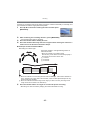
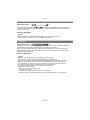
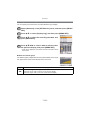
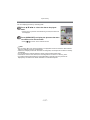
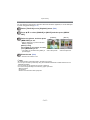
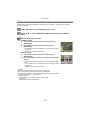
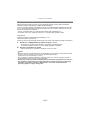
[MULTI] setting
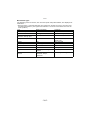
Press [DISP.] to set (repeat), and then
Press 2/1 to
press [MENU/SET] to set.
• The setting is cancelled when [DISP.] is select the picture.
Press 3/4/2/1 to
select the pictures.
pressed again.
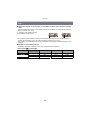
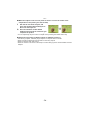
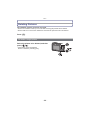
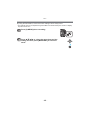
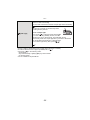
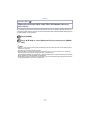
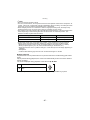
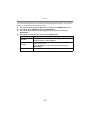
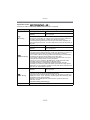
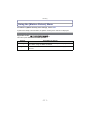
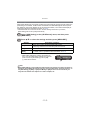
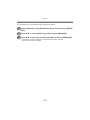
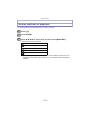
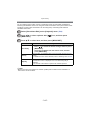
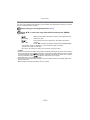
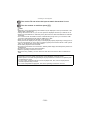
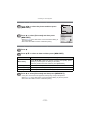
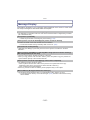
Press 3/4 to select [Set], and then press [MENU/SET].
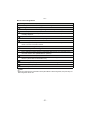
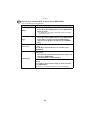
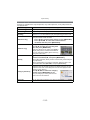
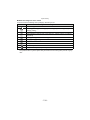
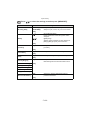
Press 3/4 to select text stamp items, and then press [MENU/SET].
- 143 -