1
Home screen
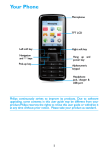
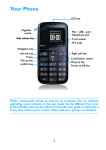
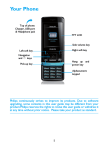
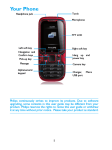
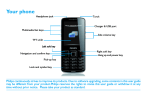
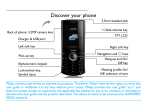
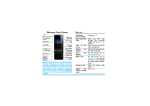
Your phone’s home screen consists of the following areas:
Status Bar
Shortcut
Keys
Learn about the main keys.
Icons
Definition
Function
Dial
Make or answer a call.
(
,
Confirm and Select or confirm an option;
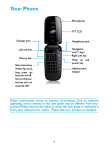
navigation key Long press to turn on or off the torch.
End a call;
Hang-up/
)
Hold to turn on/off the phone;
Power/
Return to home screen.
Exit
Left soft key Select the options on the screen.
L
Right soft key Select the options on the screen.
R
Lock/unlock
Long press * to lock keys on home screen;
*
Press R and then * to unlock keys
2