1
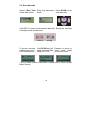
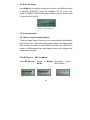
2.3. Scan barcode
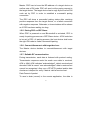
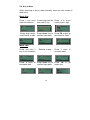
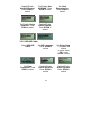
Select 1.Run Task Enter into data input Press SCAN key to
under Main menu
mode.
scan barcode.
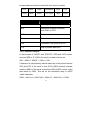
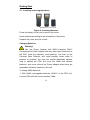
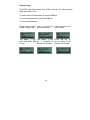
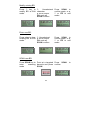
Hold PDC to point at the targeted barcode. Sweep the red light
vertically across the barcode
correct
wrong
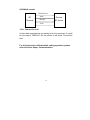
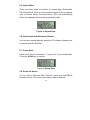
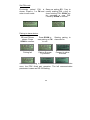
If decode success, Hold SCAN key will Release to revert to
a short beep emit *, keep scanned data “input mode” ready
LED flashes green display on LCD
for the next scan
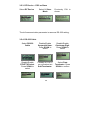
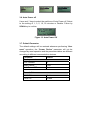
* Only if Beep Volume is activated. Please refer to Device Setup,
Beep Volume.
18