1
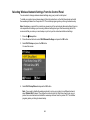
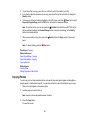
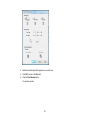
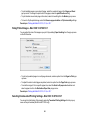
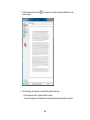
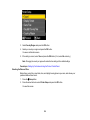
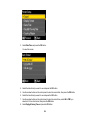
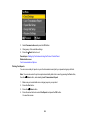
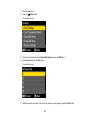
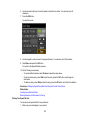
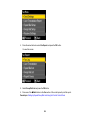
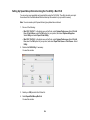
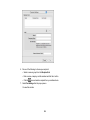
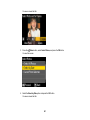
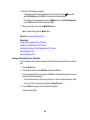
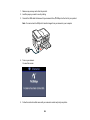
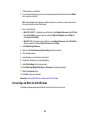
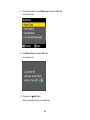
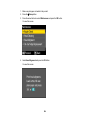
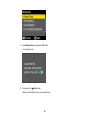
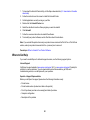
4. Select Head Cleaning and press the OK button.
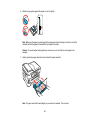
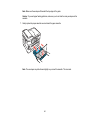
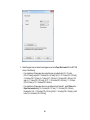
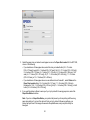
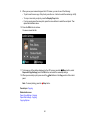
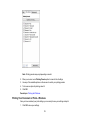
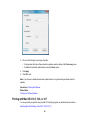
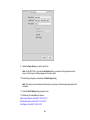
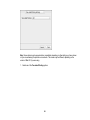
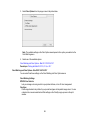
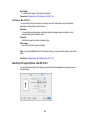
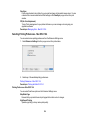
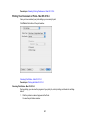
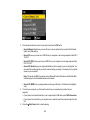
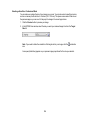
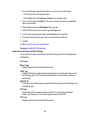
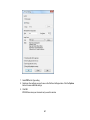
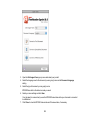
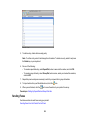
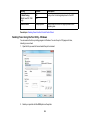
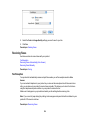
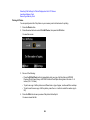
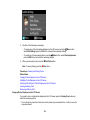
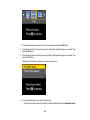
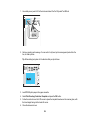
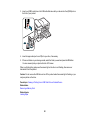
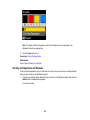
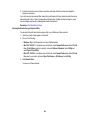
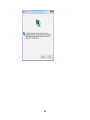
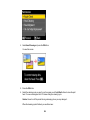
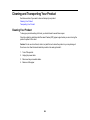
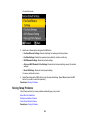
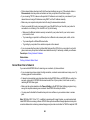
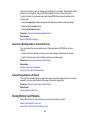
You see this screen:
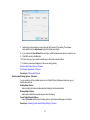
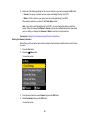
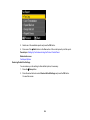
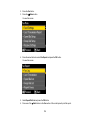
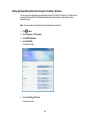
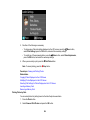
5. Press the OK button.
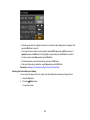
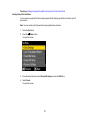
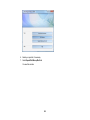
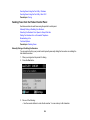
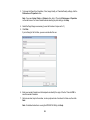
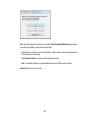
6. Select the cleaning cycle you want to run, then press one of the Start buttons to clean the print
head. You see a message on the LCD screen during the cleaning cycle.
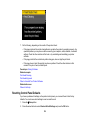
Caution: Never turn off the product during a cleaning cycle or you may damage it.
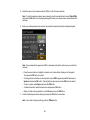
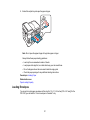
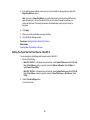
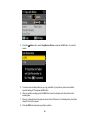
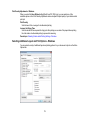
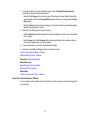
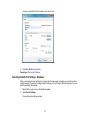
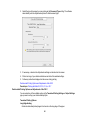
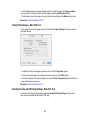
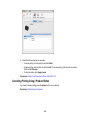
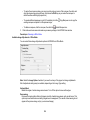
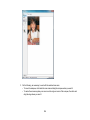
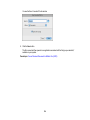
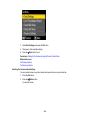
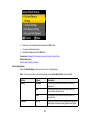
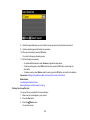
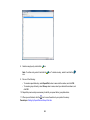
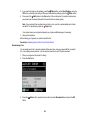
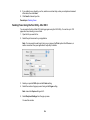
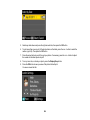
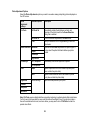
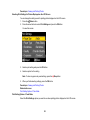
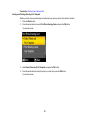
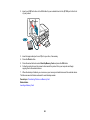
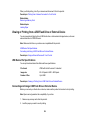
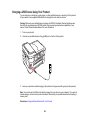
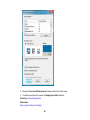
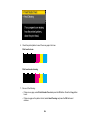
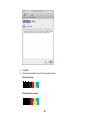
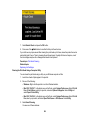
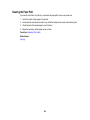
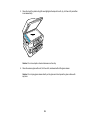
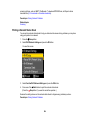
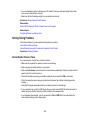
When the cleaning cycle is finished, you see this screen:
259