1
Operating and Display Elements
Operating and Display Elements
2
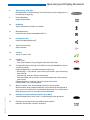
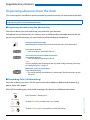
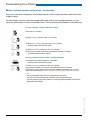
1
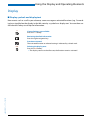
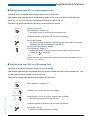
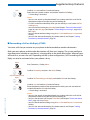
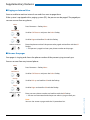
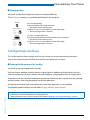
Display
• In the upper area: status display with symbols.
• In the middle area: current displays on the telephone traffic.
• In the lower area: display of the available Foxkey functions.
2
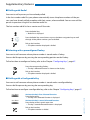
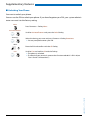
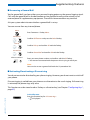
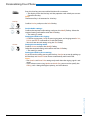
Indicator LED
• Left LED flashes: Call.
• Right LED flashes: Voice Mail, message, or callback.
3
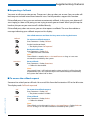
Key block
Enters digits or letters.
4
Hands-free microphone
5
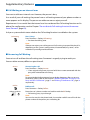
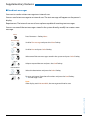
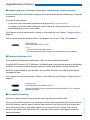
Navigation key
• Upward: Resetting activated features.
• To the right: Opens the menu.
• Downward: Opens settings.
• General: Scrolls forwards/backwards in the menu, navigates lists.
6
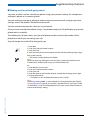
Foxkey
Executes displayed function using the key. Foxkeys can be freely configured.
7
Correction key
Deletes the last character or goes back one step in the menu.
eud-0830/2.1 — I7.7 — 10.2008
■ Operating elements