1
Supplementary features
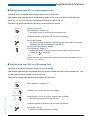
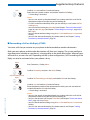
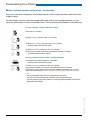
■ Paging an Internal User
You are unable to reach an internal user and thus want to page them.
If the system is equipped with a paging system (PS), the person can be paged. The paged person can answer from any phone.
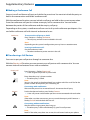
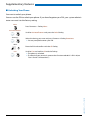
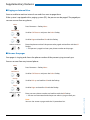
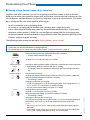
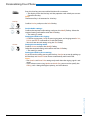
Menu
Press Foxmenu > Foxkey Menu.
Call features
Scroll to Call features and press the Select Foxkey.
Page
Scroll to Page and confirm Ok with the Foxkey.
<Phone number>
Enter the phone number f the person to be paged and confirm with the Ok
Foxkey.
➯ The person is paged and sees your phone number on the pager.
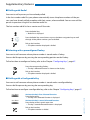
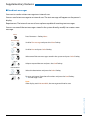
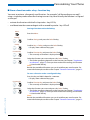
■ Answer the pager
Your pager is ringing and shows the phone number of the person trying to reach you.
You can answer from any internal phone.
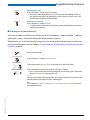
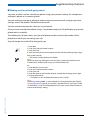
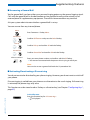
Menu
Press Foxmenu > Foxkey Menu.
Call features
Scroll to Call features and press the Select Foxkey.
Pick up
Scroll to Pick up and confirm Ok with the Foxkey.
Pager
Scroll to Pager and confirm Ok with the Foxkey.
Enter your own phone number and confirm with the Ok Foxkey.
➯ You are now connected with the person who is trying to reach you.
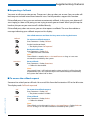
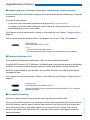
Note:
You can also answer a pager with the */# procedure *82.
44
eud-0830/2.1 — I7.7 — 10.2008
<Phone number>