Configuring the Switch
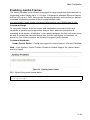
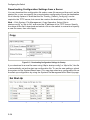
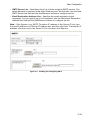
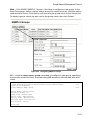
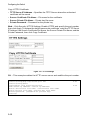
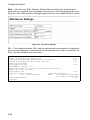
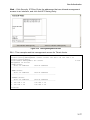
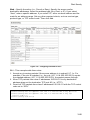
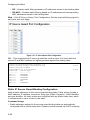
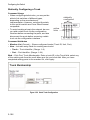
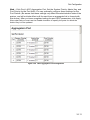
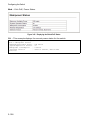
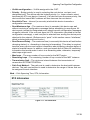
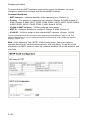
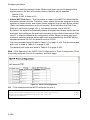
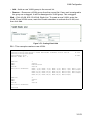
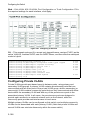
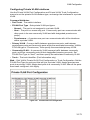
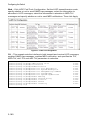
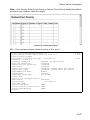
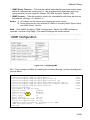
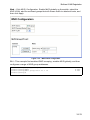
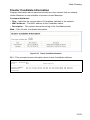
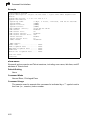
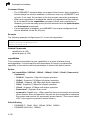
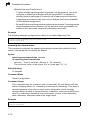
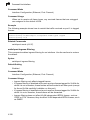
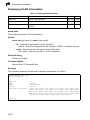
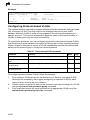
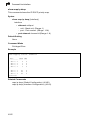
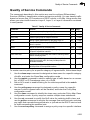
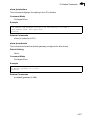
Web – Click QoS, DiffServ, Policy Map to display the list of existing policy maps. To
add a new policy map click Add Policy. To configure the policy rule settings click Edit
Classes.
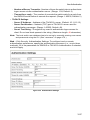
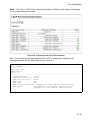
Figure 3-99 Configuring Policy Maps
3-200