1
4
Command Line Interface
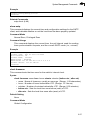
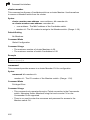
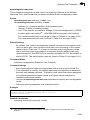
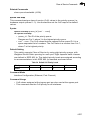
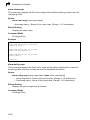
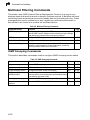
configure
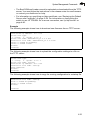
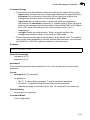
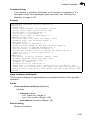
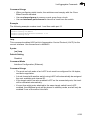
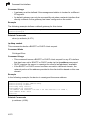
This command activates Global Configuration mode. You must enter this mode to
modify any settings on the switch. You must also enter Global Configuration mode
prior to enabling some of the other configuration modes, including Interface
Configuration, Line Configuration, VLAN Database Configuration, and Multiple
Spanning Tree Configuration. (See “Understanding Command Modes” on page 4-6.)
Default Setting
None
Command Mode
Privileged Exec
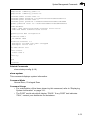
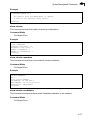
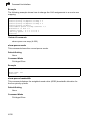
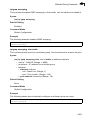
Example
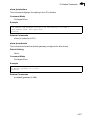
Console#configure
Console(config)#
Related Commands
end (4-14)
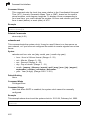
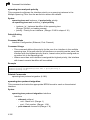
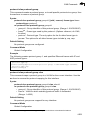
show history
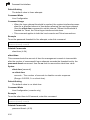
This command shows the contents of the command history buffer.
Default Setting
None
Command Mode
Normal Exec, Privileged Exec
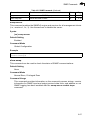
Command Usage
The history buffer size is fixed at 10 Execution commands and
10 Configuration commands.
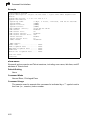
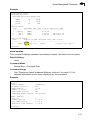
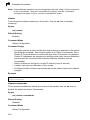
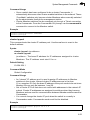
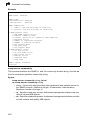
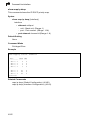
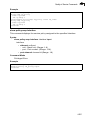
Example
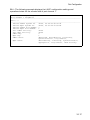
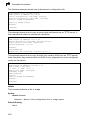
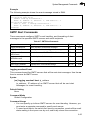
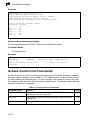
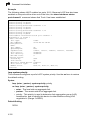
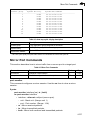
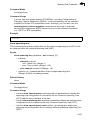
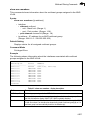
In this example, the show history command lists the contents of the command
history buffer:
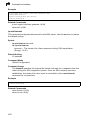
Console#show history
Execution Command History:
2 config
1 show history
Configuration Command History:
4 interface vlan 1
3 exit
2 interface vlan 1
1 end
Console#
4-12