1
Application Deployment 5 - 17
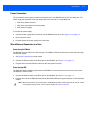
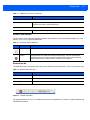
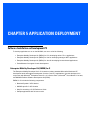
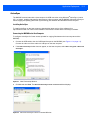
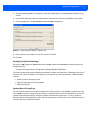
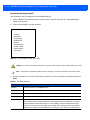
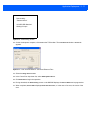
Downloading:
“Partition Name”
via USB USB Standard
Waiting for input...
Figure 5-16 Downloading Screen
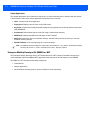
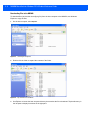
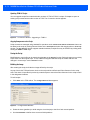
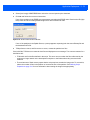
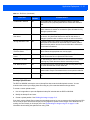
12. On the development computer, click Load on the TCM toolbar. The Load Terminal window > Serial tab
appears.
Figure 5-17 Load Terminal Window - Serial and Ethernet Tabs
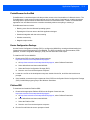
13. Select the Image Files To Load.
14. In the Comm Port drop-down list, select USB: Symbol Device.
15. Click Download to begin the operation.
16. During download, the Downloading screen on the MK3000 displays the Device Status and a progress bar.
17. When complete, Device Status displays Result was: Success!, or in the case of an error, the cause of the
error.