1
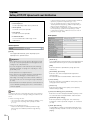
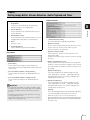
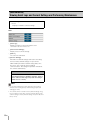
Restore Settings
Since this camera supports various functions, it is recommended that you write down the settings for respective functions. If
you have forgotten the settings and want to set the camera from the beginning, restore the factory default settings first.
*For factory default settings, see P. 8-23.
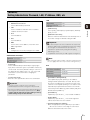
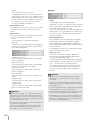
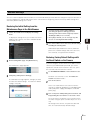
Restoring the Initial Setting from the
Maintenance Page in the Web Browser
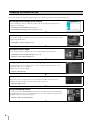
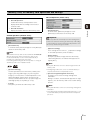
1
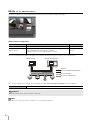
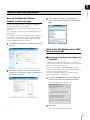
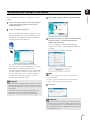
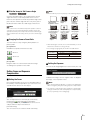
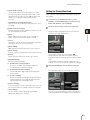
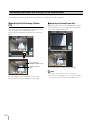
Launch the web browser and display the settings
menu.
To display the settings menu, you need to enter the IP
address of the camera, user name and administrator
password (P. 4-3).
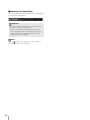
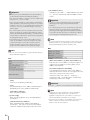
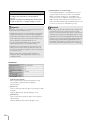
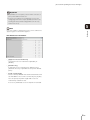
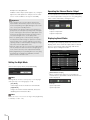
Caution
• You must not turn off the camera while it is
performing the [Restore Settings] operation.
Turning off the camera at this stage may result in
disabling its ability to boot correctly.
• Once [OK] is clicked, you can no longer stop the
process of restoring the default settings.
Appendix
4
8
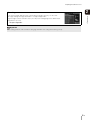
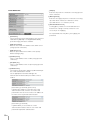
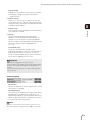
The camera will be reset to the factory default settings
excluding the following items.
Administrator password for the camera, maximum
packet size, network settings, date, time, time zone,
SSL certificate, encrypted communications.
2
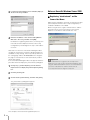
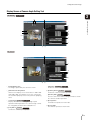
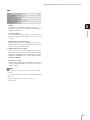
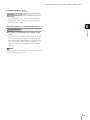
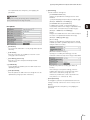
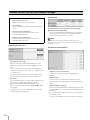
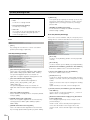
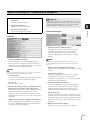
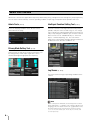
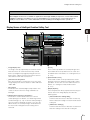
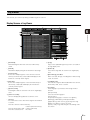
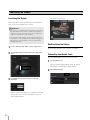
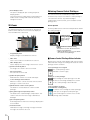
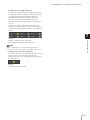
On the Setting Menu page, click [Maintenance].
The maintenance page appears.
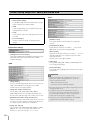
Restoring Factory Default Settings with
the Reset Switch on the Camera
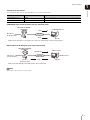
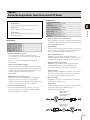
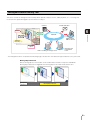
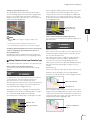
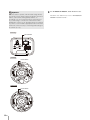
If you have forgotten or don't know the IP address of the
camera or your Administrator password, you cannot
operate the camera via the network. In this case, press
the reset switch at the back of the camera.
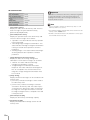
1
3
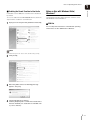
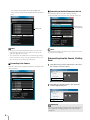
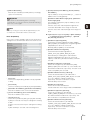
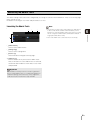
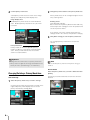
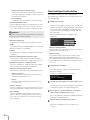
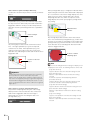
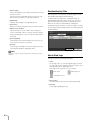
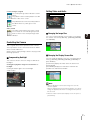
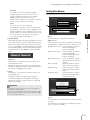
Click [Exec] under [Restore Settings].
A confirmation message appears, asking if you want
to restore the default settings. To restore the default
settings, click [OK].
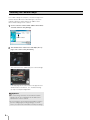
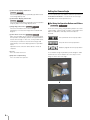
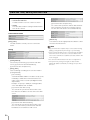
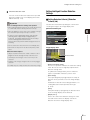
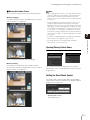
For VB-M600D/VB-M600VE, remove the dome case.
For dome case removal, see the “VB-M600D/VBM600VE Installation Guide.”
2
Turn off the camera.
There is no on/off switch on the camera. Turn the
camera on and off by plugging in or unplugging LAN
cable (PoE power supply), AC adapter, or external
power plug.
3
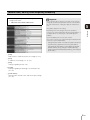
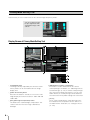
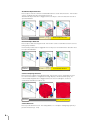
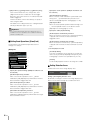
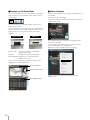
Turn on the power while pushing the reset switch, and
keep pushing the reset switch for 5 seconds or more.
The reset switch is located in a recessed area. Push
the switch using the tip of a slender object such as a
clip.
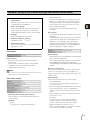
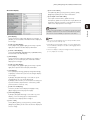
All settings of the camera, except for the date and
time, are restored to factory default settings.
8 -21