1
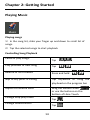
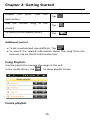
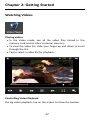
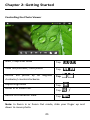
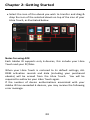
Chapter 2: Getting Started Display the lyrics and ID3 Tap information Add the current song to the Tap playlist To return to the Media Library Tap Additional control To set a customized sound effects, Tap . To search the related information about the song from the Internet, tap on the ID3 information bar Using Playlists: Use the playlist to manage the songs in the unit. In the media library, tap to show playlist screen Create playlists 15