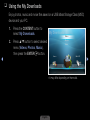
1
Installing the Latest Version
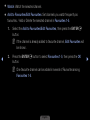
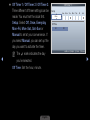
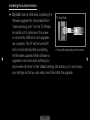
●● By USB: Insert a USB drive containing the
◀
TV Side Panel
firmware upgrade file, downloaded from
“www.samsung.com” into the TV. Please
be careful not to disconnect the power
or remove the USB drive until upgrades
are complete. The TV will be turned off
and on automatically after completing
* It may differ depending on the model.
the firmware upgrade. When software is
upgraded, video and audio settings you
have made will return to their default settings. We advise you to write down
your settings so that you can easily reset them after the upgrade.
English
▶