1
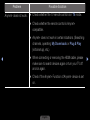
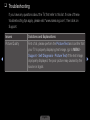
Issues
Solutions and Explanations
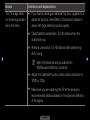
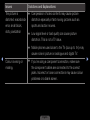
The picture is good
but there is no sound.
●● Set the Speaker Select option to TV Speaker in the
sound menu.
●● If you are using an external device, make sure the audio
cables are connected to the correct audio input jacks on
the TV.
●● If you are using an external device, check the device’s
◀
audio output option (ex. you may need to change your
cable box’s audio option to HDMI when you have a
HDMI connected to your TV).
●● If you are using a DVI to HDMI cable, a separate audio
cable is required.
●● Reboot the connected device by reconnecting the
device’s power cable.
●● If your TV has a headphone jack, make sure there is
nothing plugged into it.
English
▶