1
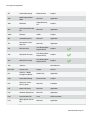
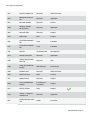
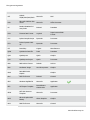
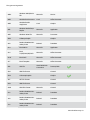
Contents
About O&O DiskRecovery 7
1
Overview of important functions
2
Getting the right Version to meet your needs?
2
Important information regarding data restoration
3
What you should do when data accidentally gets deleted
3
Preparing for an emergency
4
System requirements
5
Installation
6
Information about licensing
6
Enter license
6
Online registration
8
What are the advantages of online registration?
8
How do I register online?
9
Uninstall
9
Updates for O&O DiskRecovery
9
Quick Start
10
Getting started
11
Start O&O DiskRecovery
11
Selecting a drive
12
Selection of search process
13
Set up settings for the search
16
Filter for file types
17
Start search
19
Run Search
20
Select files to be restored
21
Preview
22
Filter
22
Select target folder
Creating a Report
Saving Files
23
24
25
O&O DiskRecovery-II