1
CHAPTER 15 | Basic Administration Protocols
Remote Monitoring
ES-2000 Series
WEB INTERFACE
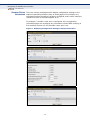
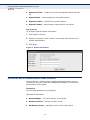
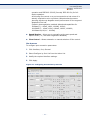
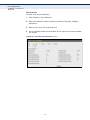
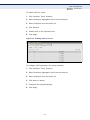
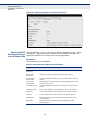
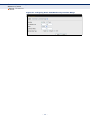
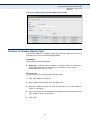
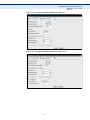
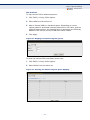
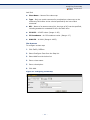
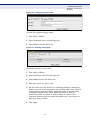
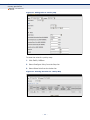
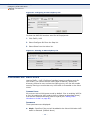
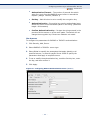
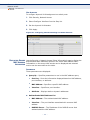
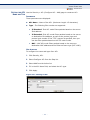
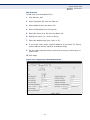
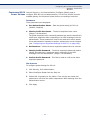
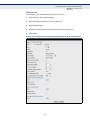
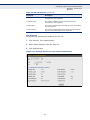
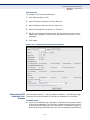
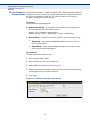
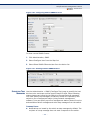
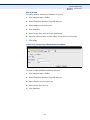
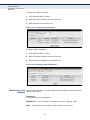
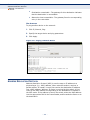
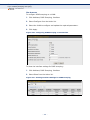
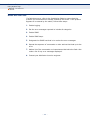
To enable regular sampling of statistics on a port:
1. Click Administration, RMON.
2. Select Configure Interface from the Step list.
3. Select Add from the Action list.
4. Click Statistics.
5. Select a port from the list as the data source.
6. Enter an index number, and the name of the owner for this entry
7. Click Apply
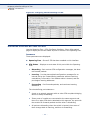
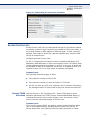
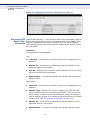
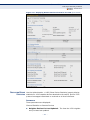
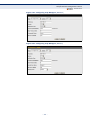
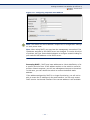
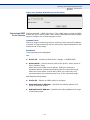
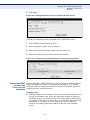
Figure 159: Configuring an RMON Statistical Sample
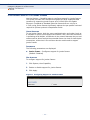
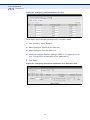
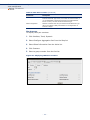
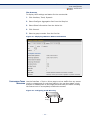
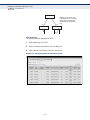
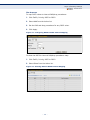
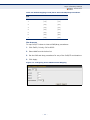
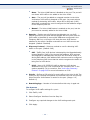
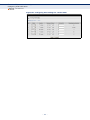
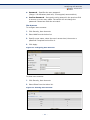
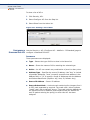
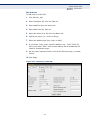
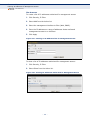
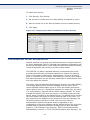
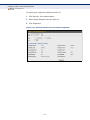
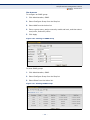
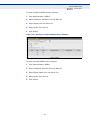
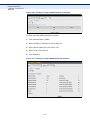
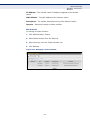
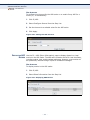
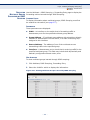
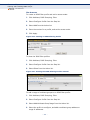
To show configured RMON statistical samples:
1. Click Administration, RMON.
2. Select Configure Interface from the Step list.
3. Select Show from the Action list.
4. Select a port from the list.
5. Click Statistics.
– 259 –