1
CHAPTER 4 | Basic Management Tasks
Managing System Files
ES-2000 Series
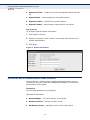
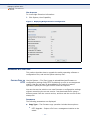
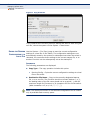
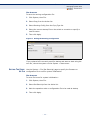
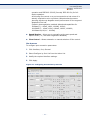
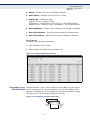
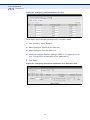
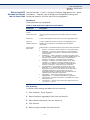
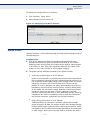
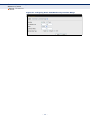
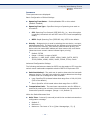
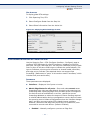
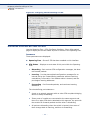
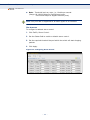
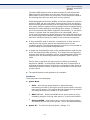
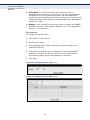
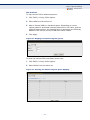
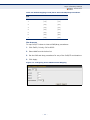
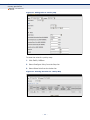
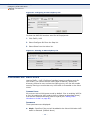
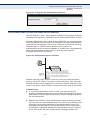
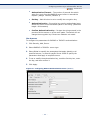
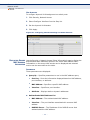
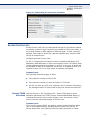
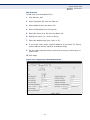
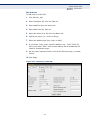
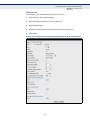
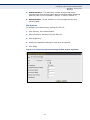
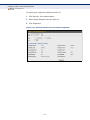
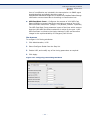
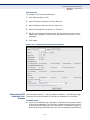
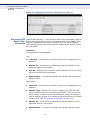
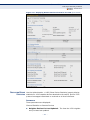
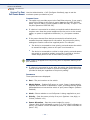
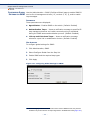
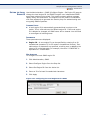
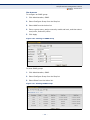
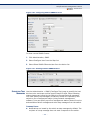
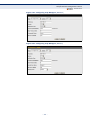
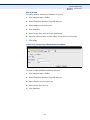
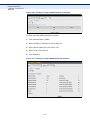
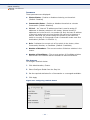
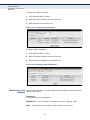
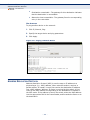
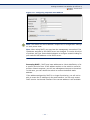
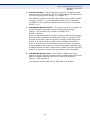
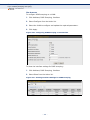
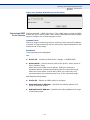
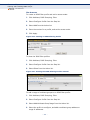
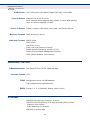
Figure 10: Setting Start-Up Files
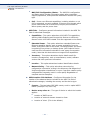
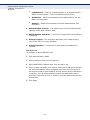
To start using the new firmware or configuration settings, reboot the
system via the System > Reset menu.
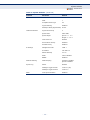
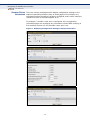
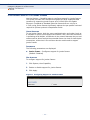
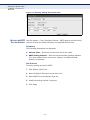
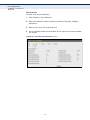
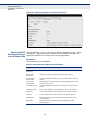
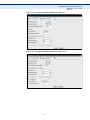
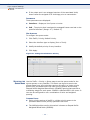
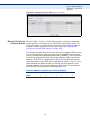
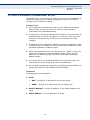
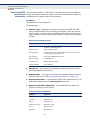
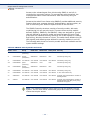
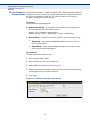
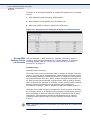
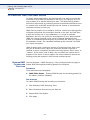
SHOWING SYSTEM Use the System > File (Show) page to show the files in the system
FILES directory, or to delete a file.
NOTE: Files designated for start-up, and the Factory_Default_Config.cfg
file, cannot be deleted.
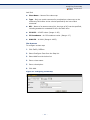
WEB INTERFACE
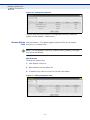
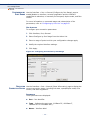
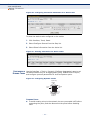
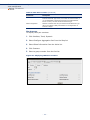
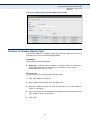
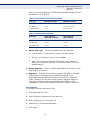
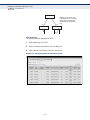
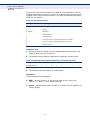
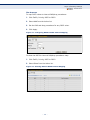
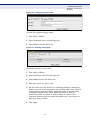
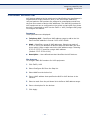
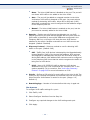
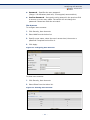
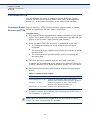
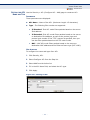
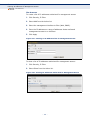
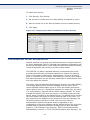
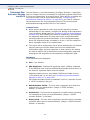
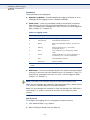
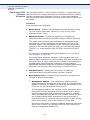
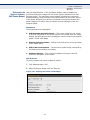
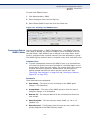
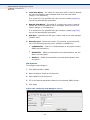
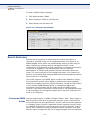
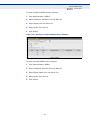
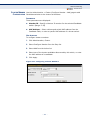
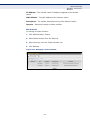
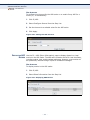
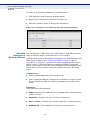
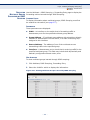
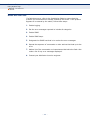
To show the system files:
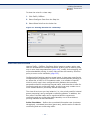
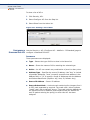
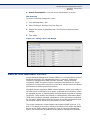
1. Click System, then File.
2. Select Show from the Action list.
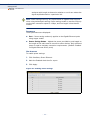
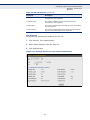
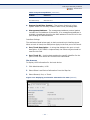
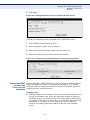
3. To delete a file, mark it in the File List and click Delete.
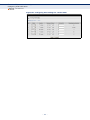
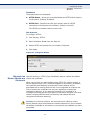
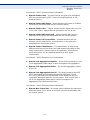
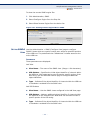
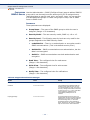
Figure 11: Displaying System Files
– 56 –